
Free Power BI Dashboard Templates: Where to Get Them & How to Use Them
The best sources for free Power BI dashboard templates — official Microsoft samples, template apps, and community galleries — plus how to build your own from a free Excel data model.
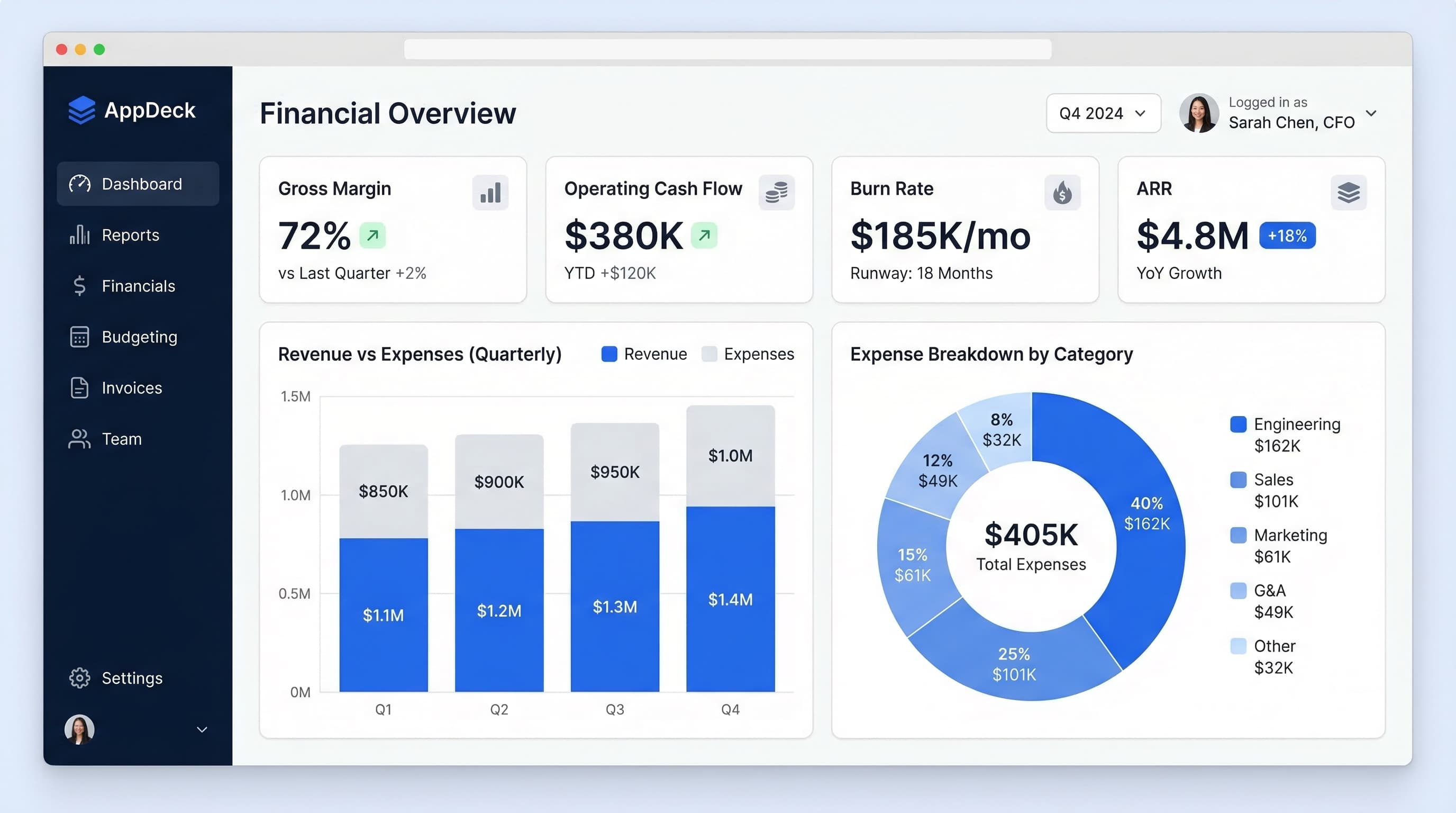
Shortcut: Power BI imports Excel files directly. Every dashboard in our free Excel template library — financial, sales, KPI scorecard, operations — works as a ready-made data model for your first Power BI dashboard. Free downloads, no paywall.
TL;DR: Power BI dashboard templates come in three forms: .pbit template files, .pbix sample workbooks, and installable template apps from Microsoft AppSource. The best free sources are Microsoft's official samples, AppSource template apps for the tools you already use, and the Power BI community gallery. If none fit, the fastest path is importing a pre-structured Excel file — sources and step-by-step below.
Introduction
Searching for "Power BI dashboard templates" is more confusing than it should be.
Unlike Excel — where a template is just a spreadsheet you download and edit — Power BI has three different things people call a "template," they live in different places, and half the download links floating around lead to paid gallery sites of wildly varying quality.
This guide sorts it out: what the template formats actually are, the five legitimate places to get free ones, and the honest advice most template roundups skip — for a first dashboard, starting from a clean Excel data model is usually faster than adapting someone else's .pbix.
I've watched teams at several companies go through this exact cycle, and the ones who got value fastest were rarely the ones who downloaded the flashiest template.
The 3 Types of Power BI "Templates"
1. Template files (.pbit). Power BI's native template format — a report with all its visuals, layout, and data model structure, but no data. When you open a .pbit, Power BI Desktop prompts you to connect your own data source. This is what you make when you want to reuse a dashboard structure across clients or departments (File → Export → Power BI template).
2. Sample workbooks (.pbix). A full report with sample data baked in. You open it, explore how it's built, then swap the data source for your own. Most "free Power BI template" downloads are actually .pbix files.
3. Template apps. Pre-built, installable dashboard packages from Microsoft AppSource that connect directly to a specific service — Google Analytics, Salesforce, QuickBooks, Zendesk. Install, authenticate, done. These are the closest Power BI gets to "instant dashboard."
Knowing which type you're looking at saves a lot of frustration — a .pbit is useless without a matching data structure, while a template app only works with its intended service.
5 Places to Get Free Power BI Dashboard Templates
1. Microsoft's Official Samples
Microsoft publishes free sample .pbix files covering the classic business scenarios — financial reporting, sales and marketing analysis, HR, procurement, customer profitability. Find them in the Power BI documentation on Microsoft Learn (search "Power BI sample files").
Best for: learning how well-built reports are structured. The financial and sales samples double as legitimate starting points for real dashboards.
2. AppSource Template Apps
If your data lives in a mainstream SaaS tool, check AppSource before building anything. Free template apps exist for many common stacks, and they handle the data connection for you — which is most of the work.
Best for: single-source dashboards (your CRM, your accounting tool, your support desk). Limitation: the moment you want metrics from two systems on one screen, template apps run out of road.
3. The Power BI Community Gallery
The Power BI community's Data Stories Gallery showcases real reports built by practitioners, many with downloadable .pbix files. Quality varies — treat it as a design idea bank plus occasional lucky find, not a template store.
Best for: layout inspiration and seeing advanced techniques (bookmarks, drill-through, custom tooltips) in working form.
4. GitHub and Practitioner Blogs
Plenty of consultants publish free .pbix files to demonstrate their skills. Search GitHub for "power bi template" plus your function. Vet before trusting: check when it was last updated and whether the DAX measures make sense for your definitions of the metrics.
Best for: niche use cases the official sources don't cover.
5. Build From an Excel Data Model (Often the Fastest Path)
Here's the step most roundups skip: Power BI's best free "template" source is a well-structured Excel file. Get Data → Excel workbook, and every table becomes a model table you can chart immediately.
The hard part of any first dashboard isn't the visuals — it's having clean, sensibly structured data. That's exactly what a good Excel dashboard template gives you:
| Excel starting point | Power BI dashboard it becomes | Download |
|---|---|---|
| Financial KPI Dashboard | P&L, cash flow, budget vs. actual report | Get it → |
| Sales Dashboard | Pipeline, win rate, forecast report | Get it → |
| KPI Scorecard | Company-wide KPI status report | Get it → |
| Marketing Dashboard | Funnel and channel performance report | Get it → |
| Operations Dashboard | Throughput, quality, delivery report | Get it → |
| Executive Summary | One-page C-suite overview | Get it → |
Each file has sample data in clean table structures — import one, rebuild its charts as Power BI visuals (15-30 minutes), then swap the sample data for a connection to your real source. You get a working dashboard and you learn the tool, instead of inheriting a stranger's DAX.
How to Use a Power BI Template (.pbit) File
- Install Power BI Desktop — free from Microsoft, Windows only.
- Double-click the .pbit file. Power BI prompts for the data source connection or parameters the template expects.
- Connect your data. If your columns don't match what the template expects, this is where it breaks — check the template's documentation for the required schema.
- Refresh and review. Every visual should populate. Anything blank means a field mapping didn't resolve.
- Save as .pbix. Your working copy, now with your data.
For sample .pbix files instead: open, then Transform Data → Data source settings → change the source to your own file or database.
Design Rules That Make Executive Dashboards Work
The template gets you structure; these rules keep the result usable. The short version of our full dashboard design guide:
- One screen, no scrolling. If it scrolls, it's a report.
- 5-7 KPIs per view. Cut ruthlessly; put diagnostics on drill-through pages.
- Context on every number. Target, prior period, or trend — a number alone is noise.
- Color = status only. Red/yellow/green for performance against target; neutral for everything else.
For twenty worked examples across CEO, CFO, CRO, and CMO dashboards, see our Power BI dashboard examples roundup.
When Power BI Is the Wrong Tool
Power BI is excellent when you have a data team, Microsoft-stack data sources, and internal viewers with licenses. It's the wrong tool surprisingly often, though:
- External stakeholders. Sharing with board members, investors, or clients who don't have Power BI licenses ranges from awkward to expensive. Licensing is per-viewer (Pro runs about $14/user/month), and external sharing needs careful tenant configuration.
- Nobody owns it. A Power BI deployment without a designated owner decays in a quarter. If your "data team" is one analyst with a day job, a simpler tool survives longer.
- The 5-KPI use case. If leadership needs seven numbers, a trend, and a note — a full BI platform is overhead, not power.
That external-sharing gap is what AppDeck's executive dashboards are built for: board-ready dashboards delivered through a branded portal your stakeholders open with a link — no per-viewer licensing, no tenant configuration. Many teams run both: Power BI for internal analytics, a portal for the board and investor view.
Frequently Asked Questions
Are Power BI dashboard templates free?
The good ones mostly are. Microsoft's official samples, most AppSource template apps, and community gallery downloads are free. Paid template marketplaces exist, but exhaust the free sources first — for standard business dashboards they cover the ground.
What's the difference between .pbit and .pbix?
A .pbix is a complete report including data. A .pbit is the same report minus the data — it prompts for a data connection on open. Distribute .pbit when the audience will connect their own data; download .pbix when you want a working example to study.
Can I use Power BI templates without a paid license?
Yes — Power BI Desktop is free and opens any .pbit or .pbix. You need paid licensing (Pro, about $14/user/month) when you want to publish and share dashboards with others through the Power BI service.
Can I turn an Excel dashboard into a Power BI dashboard?
Directly. Get Data → Excel workbook imports your tables into the model; you then rebuild charts as Power BI visuals. Structured Excel files with clean data tables (like our free templates) convert in under 30 minutes. Excel dashboards with merged cells and hand-typed numbers don't — clean the data first.
Is Power BI or Excel better for a KPI dashboard?
Excel wins for a weekly leadership scorecard maintained by one person (template here). Power BI wins when you need live refresh, multiple data sources, or interactive drill-down. The 15-minute test: if your dashboard is 5-7 KPIs updated weekly, Excel; if it's "slice revenue by region, product, and rep on demand," Power BI.
Conclusion
The free Power BI template landscape is better than the search results suggest — as long as you know where to look: Microsoft's samples for structure, AppSource for single-tool dashboards, the community gallery for ideas, and a clean Excel data model when you want a first dashboard this afternoon rather than after an evaluation project.
Grab an Excel starting kit from the template library, import it into Power BI Desktop, and you'll have a working dashboard before the meeting where you were going to discuss building one. And when the audience is your board rather than your analysts, there's a simpler way to deliver it.
Related Reading

Founder & CEO, AppDeck
Serial entrepreneur with 20+ years building B2B software companies. Co-Founder of UnifyCX (formerly GlowTouch), which has 6,000+ employees. Vik reviews all AppDeck content for accuracy and practical relevance.
Share this article
Explore Related Solutions
Related Articles
20 Power BI Dashboard Examples for Executives & Business Leaders
Explore 20 real-world Power BI dashboard examples for executives, CFOs, CROs, and CMOs. KPI layouts, design best practices, and when to consider alternatives to Power BI.
Free Tableau Dashboard Templates: 7 Sources, 30 Layouts, and How to Use Them
Where to get free Tableau dashboard templates in 2026: 300+ official Accelerators, a 30-layout copy-paste workbook, 11 million Tableau Public vizzes, and the Excel data-model shortcut, plus step-by-step instructions for connecting your own data.
CEO Dashboard: 10 Metrics Every CEO Should Track in 2026
The 10 most important CEO dashboard metrics for 2026. Revenue, growth, customer health, team performance, and strategic KPIs with visualization tips and real-world examples.