
QBR Template
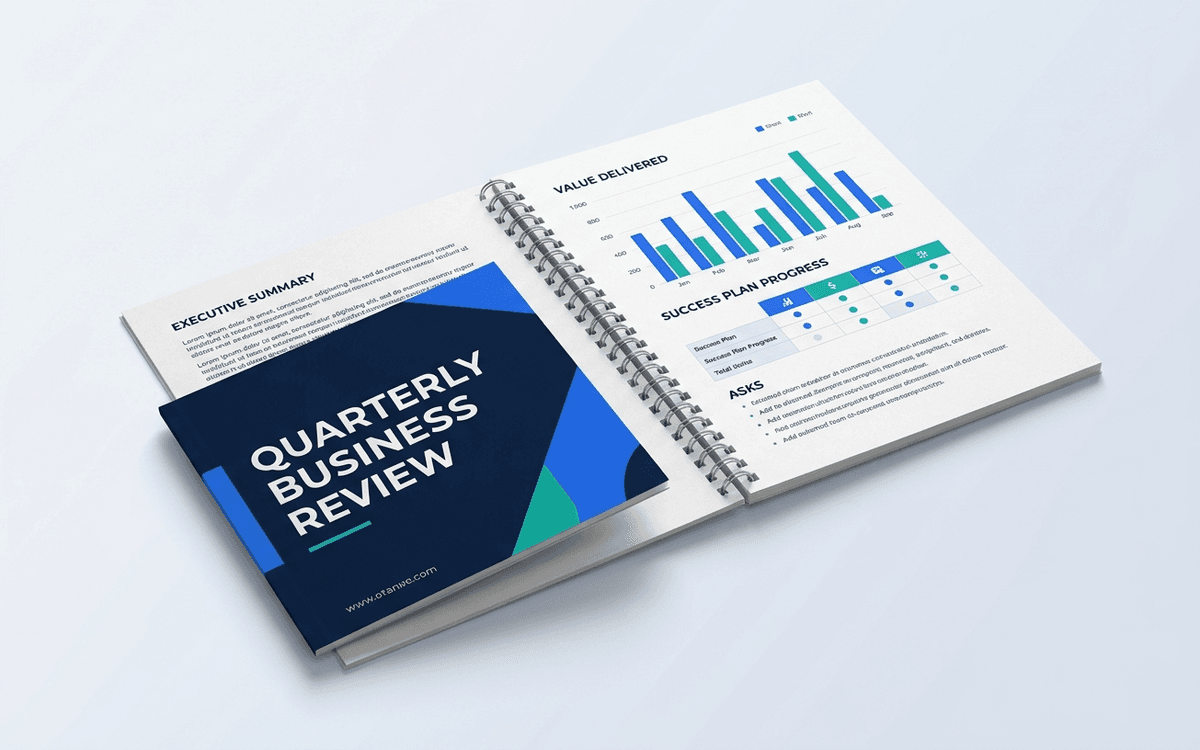
A QBR template structured around the only question that matters to your customer's exec sponsor: "is this investment paying off?" Not a product update — a value review that your champion will paste into their leadership deck.
- Format:
- Word (.docx) (38 KB)
- Price:
- Free, no paywall
- Published May 2026
Download this template — free
Tell us where to send the link. We'll never share your email.
What's included
- Executive summary — 3 bullets the sponsor can paste into a deck
- Value delivered this quarter (quantified — hours saved, revenue lifted, risk reduced)
- Success plan progress (goals from previous QBR, status)
- Adoption and engagement metrics with trend
- New use cases identified
- Expansion opportunities and roadmap alignment
- Risks and concerns (honestly named)
- Asks of the customer (decisions, intros, advocacy)
- Next-quarter goals and milestones
How to use this template
1. Write the exec summary so your champion can FORWARD it
Your champion has to defend the renewal to THEIR exec team. The first slide / first bullet has to be value, quantified, in their language. If they can paste your exec summary into their own deck verbatim, you've done it right.
2. Quantify value in THEIR units
"30% adoption increase" is your unit. "12 hours saved per week per ops manager" is their unit. Convert your usage data into their business outcomes. This is the single biggest unlock for renewal conversations.
3. Bring goals BACK from last QBR
A QBR that never references the last QBR is theater. Open with the goals from the previous QBR and grade them honestly — green, yellow, red, with one-line context. Customers who see goal continuity stay; customers who see fresh-start every quarter churn.
4. Name the risks before the customer does
Lowlights build credibility. A QBR with only wins gets discounted. Surface 1-2 honest risks — adoption gaps, blocker issues, change-management slippage — with what you're doing about each. Trust compounds.
5. End with EXPLICIT asks
Don't end QBRs with "any questions?" End with: "We'd like X by Y date." Specific renewal commitment, intro to adjacent team, advocacy opportunity, executive sponsor change. Asks transform QBRs from updates into commercial conversations.
Who it's for
- CSMs running quarterly business reviews
- Account managers handling enterprise renewals
- CS team leads standardizing review structure
- Founders running founder-led customer success at early stage
Frequently asked questions
- What's the right cadence for QBRs?
- Quarterly for high-ACV (>$50K) and strategic accounts. Semi-annual for mid-touch ($10-50K). Annual for low-touch (<$10K). Pushing QBRs onto accounts that don't value them is performative; the cadence should match the customer's strategic-planning rhythm.
- Should QBRs be in-person, video, or async?
- In-person for strategic accounts when feasible (justifies travel for renewals >$100K). Video for most QBRs. Async (recorded video + written report) works for low-touch tiers or when scheduling fails. The medium matters less than the rigor of preparation.
- Who should attend on the customer side?
- The economic buyer or their delegate, plus the day-to-day champion. If only the day-to-day champion attends, you're running an operating review, not a QBR. Insist on the economic buyer at least once a year for accounts of meaningful size.
- How long should a QBR be?
- 45-60 minutes is standard. Shorter and you can't cover the substance; longer and senior people drop off. Build the agenda for 45 minutes of content + 15 minutes of discussion. The discussion is often the most valuable part.
- What's the difference between a QBR and a status meeting?
- Status meetings are operational ("here's what we did"). QBRs are strategic ("here's what changed in the customer's business because of us"). If your QBR could be summarized as "tasks completed," it's a status meeting in a fancy hat.
More customer success templates
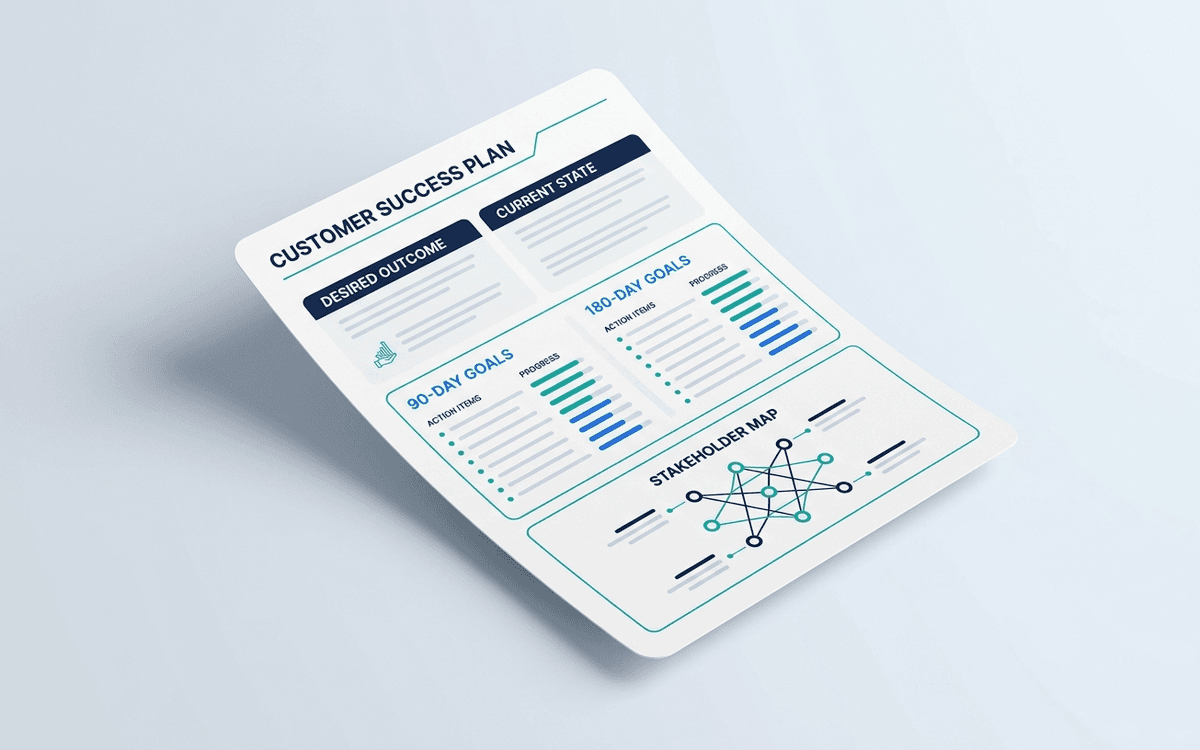
Customer Success Plan Template
A customer success plan template anchored to the customer's desired outcome, not your product roadmap. Six months of goals, milestones, and owners — the document that makes your QBR a value review instead of a status update.
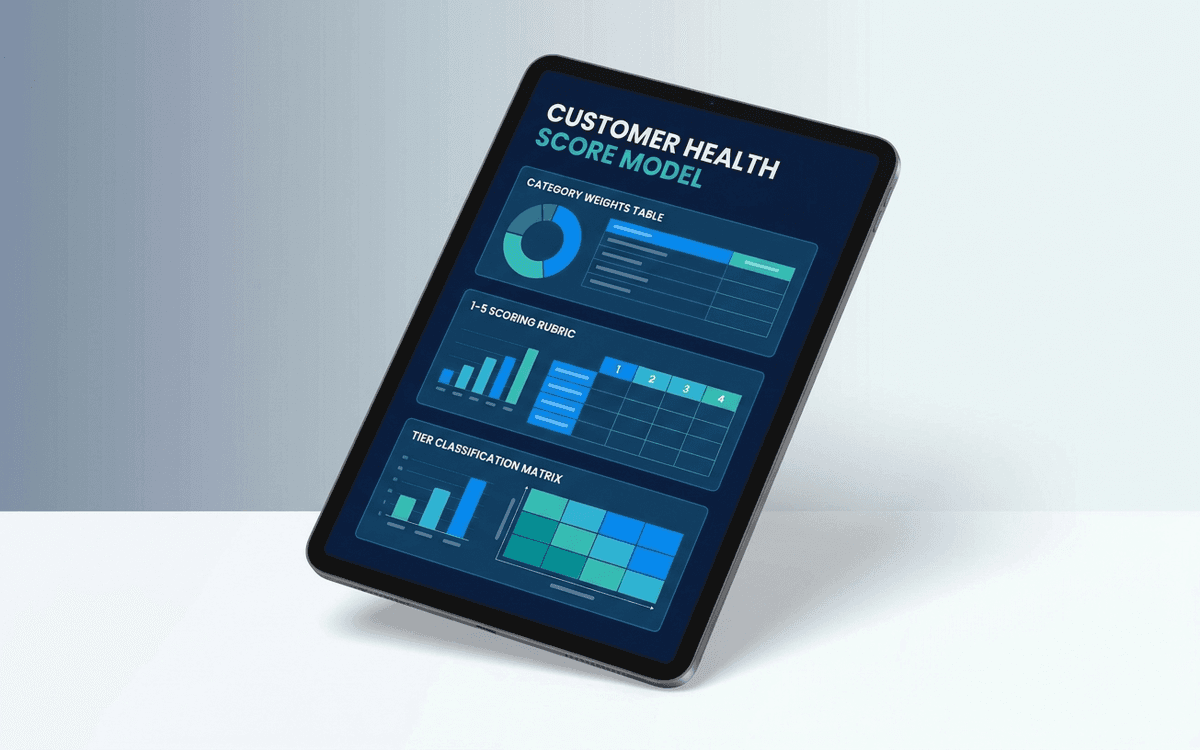
Customer Health Score Template
A customer health score template that combines adoption, sentiment, commercial, and engagement signals into a single 1-5 score per account — so renewal-risk shows up in weekly reviews instead of three months before the renewal date.
When the template isn't enough
AppDeck's customer success portal turns this template into a live workspace — version control, permissions, signatures, and analytics built in.
Related Articles
Learn more about this topic from our expert guides and resources.
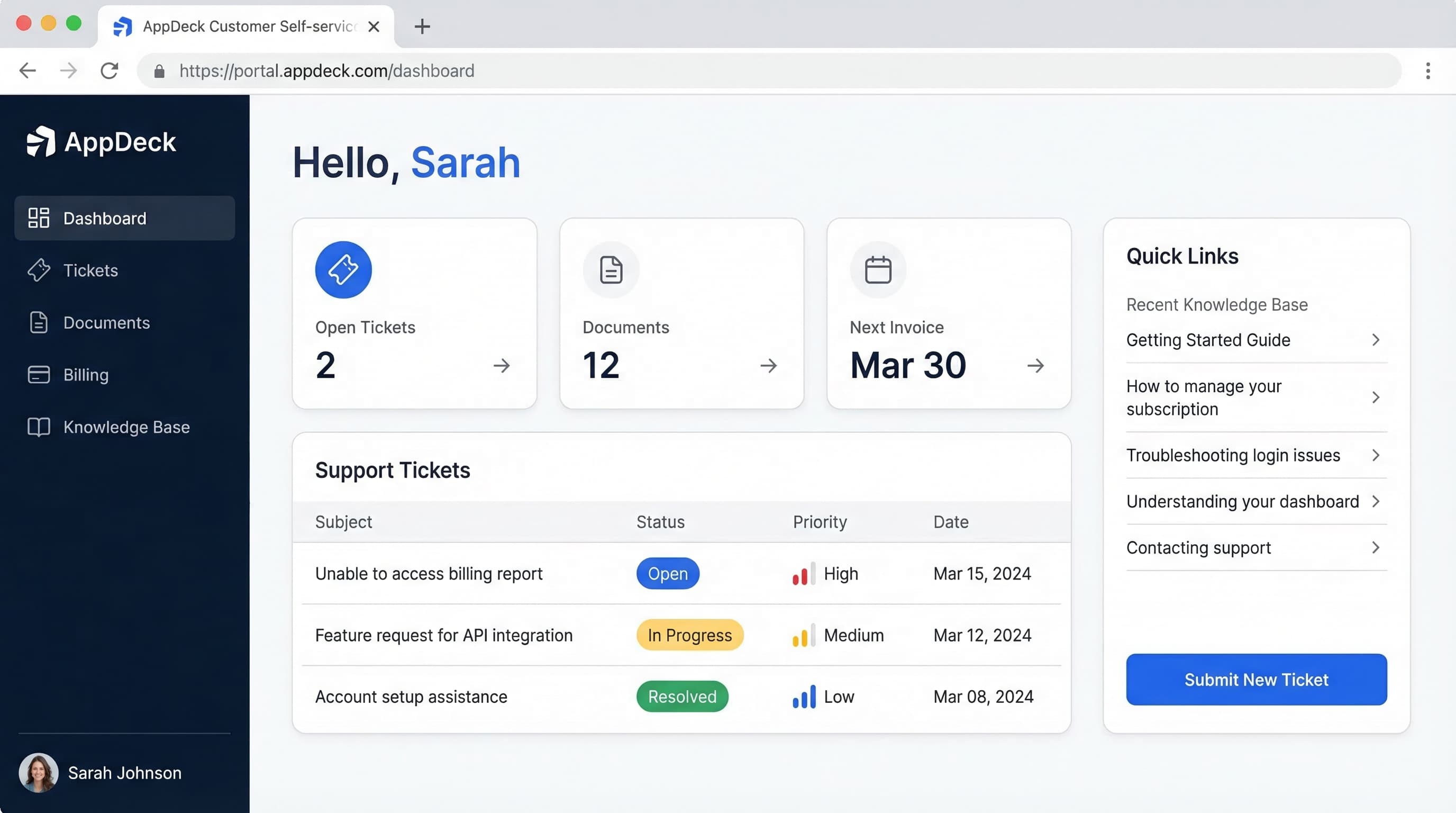
Customer Portal Examples: 15 Real-World Designs That Drive Adoption
15 customer portal examples from SaaS, e-commerce, healthcare, finance, and professional services. See what works, key features, and design patterns that boost self-service adoption.
Read ArticleHow to Reduce Support Tickets by 40% with a Customer Portal
Proven strategies to reduce support ticket volume using self-service customer portals. Knowledge bases, account management, billing portals, and automation tactics.
Read ArticleCustomer Portal Software Comparison 2026: 10 Best Platforms Reviewed
Compare the best customer portal software for 2026. Zendesk, Salesforce, Freshdesk, AppDeck, and 6 others reviewed. Features, pricing, and ratings.
Read Article