
Vendor Onboarding Checklist Template
A vendor onboarding checklist covering the legal, security, IT, finance, and procurement gates every new vendor needs to clear — so the first 30 days produce signed contracts, provisioned access, and audit-ready documentation instead of half-finished setup tasks.
- Format:
- Word (.docx) (38 KB)
- Price:
- Free, no paywall
- Published May 2026
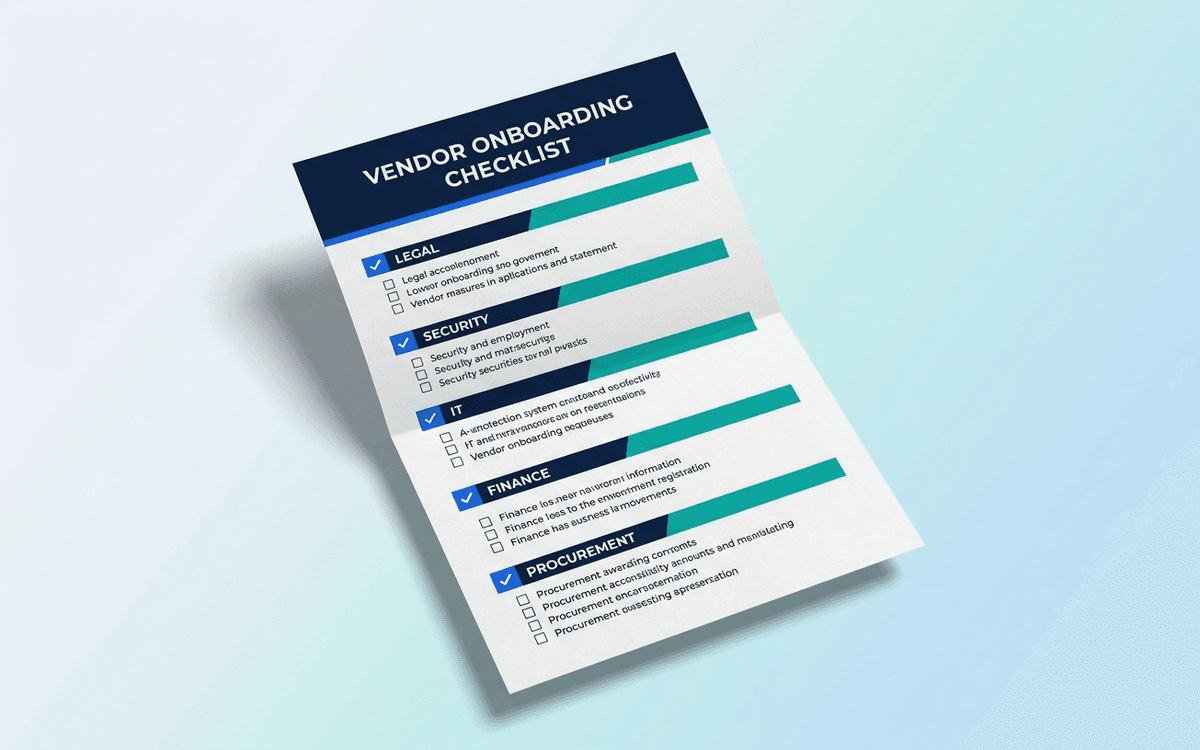
Download this template — free
Tell us where to send the link. We'll never share your email.
What's included
- Pre-onboarding: vendor selected, risk assessment complete, business case approved
- Legal: MSA signed, SOW/order form signed, DPA (data processing agreement) signed
- Security: security review complete, SOC 2 / ISO 27001 verified, vendor risk register updated
- IT: SSO configured, access roles defined, audit-log access tested
- Finance: vendor master record created, payment terms locked, PO process clarified
- Procurement: contract repository entry, renewal date calendared, business owner identified
- Kickoff: implementation kickoff scheduled, success criteria agreed
- Status by gate: Complete / In Progress / Blocked / Waived (with reason)
- Owner per gate
How to use this template
1. Run the gates IN ORDER
Legal before access, security before implementation, finance before invoice. Out-of-order onboarding produces vendors with system access but no signed DPA, or signed contracts with no payment record. The order matters; the checklist enforces it.
2. Waive gates explicitly, don't skip them
Some vendors don't need every gate. A $50/month SaaS tool doesn't need a SOC 2 review. But "waived" needs to be a status, not a skip — record "waived because [reason]" on the checklist. Auditors will ask, and "we didn't bother" is the wrong answer.
3. Use risk-tier to set the depth
Critical vendors (PII, production, revenue path) get the full checklist. High-tier vendors get most of it. Medium-tier get a lighter version. Low-tier get a 15-minute lightweight check. The vendor risk assessment template determines tier; this checklist enforces it.
4. Calendar the RENEWAL DATE during onboarding
The single most-skipped vendor management practice: calendar the renewal date 60 days before it lands, with the business owner pre-notified. Onboarding is the only time everyone's engaged and the contract is fresh — set the renewal calendar then.
5. Identify the BUSINESS OWNER, not just the procurement owner
Procurement owns the contract; the business owner owns the relationship. They're usually different people. Capture both. Vendor decisions (expand, renew, exit) are made by the business owner; procurement enables.
Who it's for
- Procurement teams running structured vendor intake
- Security and compliance teams gating new vendors
- IT leaders provisioning vendor access
- Finance teams setting up new vendor master records
Frequently asked questions
- How long should vendor onboarding take?
- Tier-dependent. Low-tier SaaS tools: under a week. Medium-tier: 2-3 weeks. High-tier and Critical: 30-60 days because security and legal review take time. Plan the implementation start based on the onboarding completion, not the contract signature.
- What's the difference between vendor onboarding and procurement?
- Procurement is sourcing and negotiating the contract. Vendor onboarding is everything AFTER the contract is signed to make the vendor productive. The handoff between procurement and onboarding is where vendors get stuck — checklist makes it explicit.
- Who owns vendor onboarding?
- Procurement coordinates; security, IT, finance, and legal contribute via their respective gates; the business owner sponsors. At small companies it's often one person in procurement or operations running the whole thing. Whoever owns it, they need to be empowered to escalate when gates are slow.
- Do we need DPA for every vendor?
- For every vendor that processes personal data (employee, customer, prospect), yes — required under GDPR/CCPA. Vendors that handle no personal data don't need a DPA but still need confidentiality terms in the MSA. Default toward signing DPA unless clearly not applicable.
- How is this different from the vendor risk assessment?
- Risk assessment evaluates the vendor BEFORE you sign — should we work with them? Onboarding executes the operational gates AFTER you sign — getting them productive while meeting compliance requirements. Both are needed; they're sequential, not interchangeable.
More vendor templates
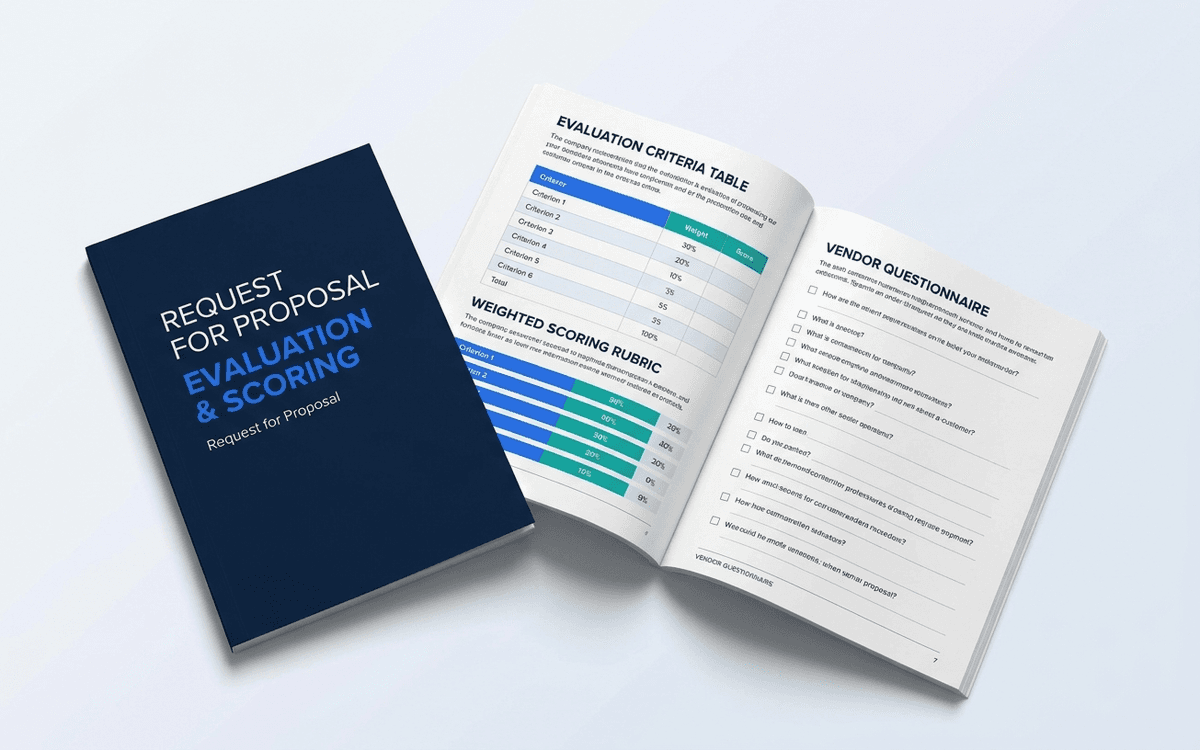
RFP Template
An RFP template runs a defensible procurement process without making vendors hate you — clear evaluation criteria, weighted scoring, structured questions, and a timeline that respects everyone's time.
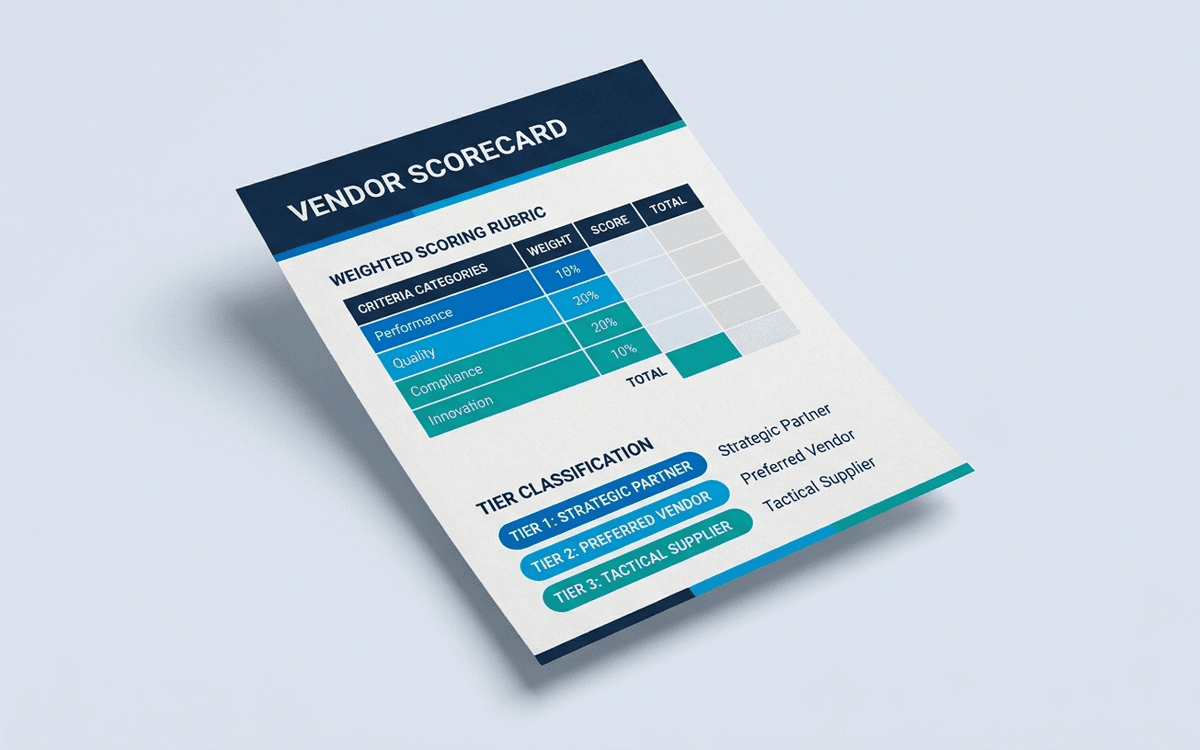
Vendor Scorecard Template
A vendor scorecard template gives you a one-page quarterly performance review covering delivery, quality, responsiveness, cost, and risk — so vendor conversations move from anecdote to evidence and renewal decisions get made on data.
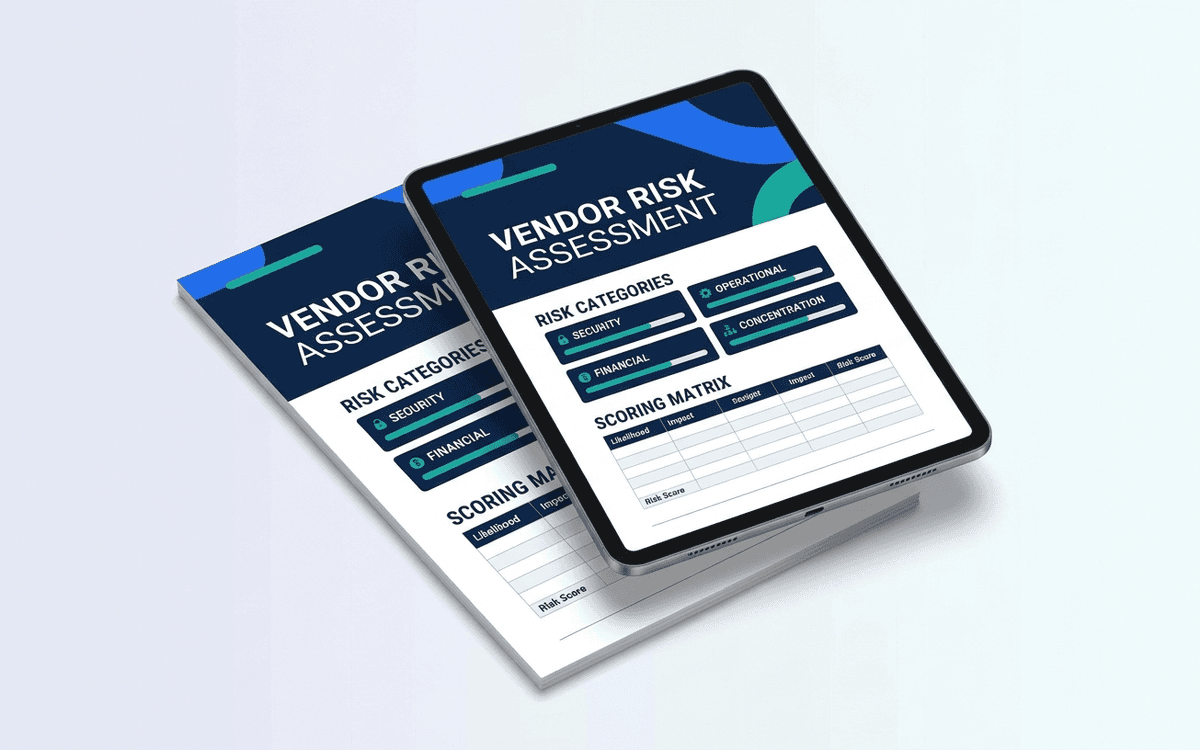
Vendor Risk Assessment Template
A vendor risk assessment template that scores a vendor across security, financial, operational, and concentration risk — aligned to what SOC 2 and ISO 27001 auditors expect — so vendor due diligence becomes a 30-minute exercise instead of a project.
When the template isn't enough
AppDeck's vendor portal turns this template into a live workspace — version control, permissions, signatures, and analytics built in.