
Statement of Work Template
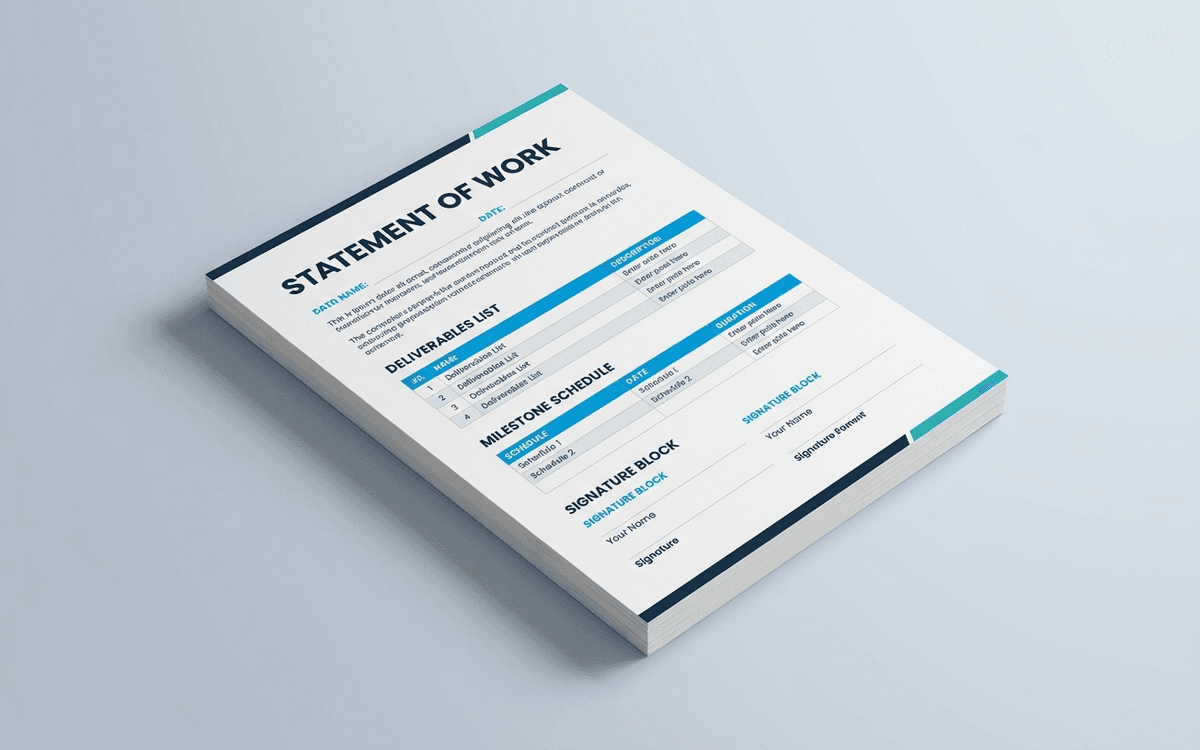
A Statement of Work template locks scope without scaring the client — clear deliverables, milestones tied to payment, acceptance criteria, and the change-order language you need when scope inevitably moves.
- Format:
- Word (.docx) (38 KB)
- Price:
- Free, no paywall
- Published May 2026
Download this template — free
Tell us where to send the link. We'll never share your email.
What's included
- Project description and business objectives
- In-scope deliverables with acceptance criteria for each
- Out-of-scope section (the most important part of a good SOW)
- Milestone schedule tied to payment triggers
- Roles and responsibilities table (client side + vendor side)
- Assumptions and dependencies
- Change-order process and rate card
- Pricing block (fixed, T&M, or hybrid)
- Term, termination, and warranty language
- Signature block
How to use this template
1. Write the out-of-scope section first
Counter-intuitive but critical: define what you're NOT doing before you define what you are. This is the single biggest defense against scope creep and the place clients push back hardest during negotiation. Get it on paper.
2. Make every deliverable measurable
Bad deliverable: "Marketing website." Good deliverable: "8-page marketing website with 3 rounds of design revision, deployed to client-owned hosting, with documented CMS handoff." Every deliverable needs acceptance criteria a non-expert could check.
3. Tie milestones to payment
The milestone schedule is also the payment schedule. Standard structures: 50/50 (deposit/completion), 33/33/33 (deposit/midpoint/completion), or milestone-by-milestone. Pick the structure that matches the cash-flow pattern of the work, not a generic default.
4. Set a change-order rate up front
Scope will change. Define the change-order rate ($/hr or fixed-fee tiers) inside this SOW, not later. Clients accept change orders much more easily when the rate was disclosed before the engagement started.
5. Build in a "definition of done" review
Schedule a working session 1–2 weeks before the projected end date to walk through each acceptance criterion. This is when scope drift gets surfaced and either accepted or paid for. Don't leave it to the final invoice.
Who it's for
- Agencies and consultancies billing by project
- Freelancers tired of scope creep
- Consultants formalizing engagements
- Internal procurement teams scoping vendors
Frequently asked questions
- What's the difference between a SOW and a contract?
- A Master Services Agreement (MSA) is the contract — payment terms, IP ownership, liability, governing law. The SOW is the project-specific addendum that defines scope, deliverables, schedule, and price for one specific engagement. A single MSA usually covers multiple SOWs over time.
- How long should a SOW be?
- 3–6 pages for most professional services engagements. Shorter and you haven't pinned down enough to avoid disputes; longer and you've crossed into MSA territory or you're overspecifying. The "out of scope" section, deliverables, and milestones do the heavy lifting.
- Should the SOW include the price?
- Yes. The SOW is the document that ties scope to price. Some agencies put pricing in a separate proposal, but that creates ambiguity about which document governs. Put it in the SOW, both parties sign one document.
- What happens when scope changes mid-project?
- Trigger the change-order process defined in the SOW. The standard flow: client requests change → vendor estimates impact (time + money) → both sign a change order → work proceeds. The point of the change-order section is to make this transactional, not contentious.
- Is a SOW legally binding?
- Yes, once both parties sign. It typically incorporates the terms of an MSA or includes its own terms. Many disputes between vendors and clients come down to "did the SOW say that?" — which is why writing it carefully matters.
More agency / client templates
Creative Brief Template
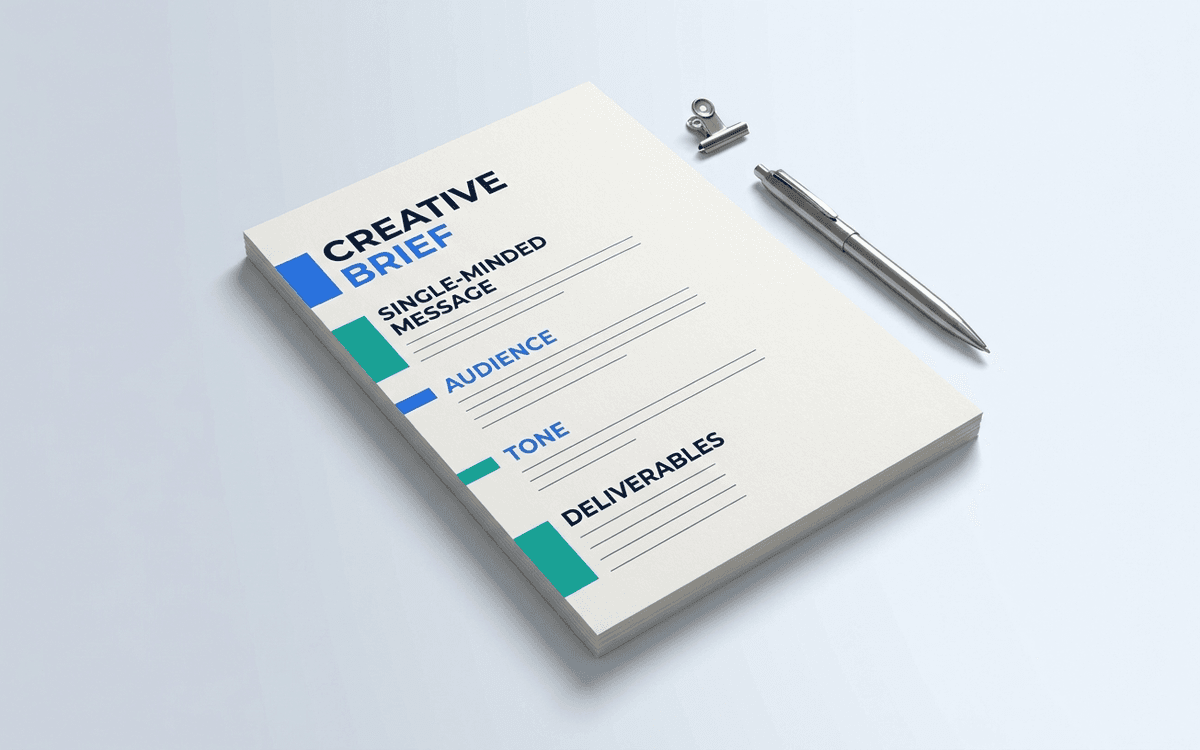
A creative brief template aligns the client, the strategist, and the creative team on the one or two things that have to be true for the work to be successful — before anyone starts designing.
Project Kickoff Template
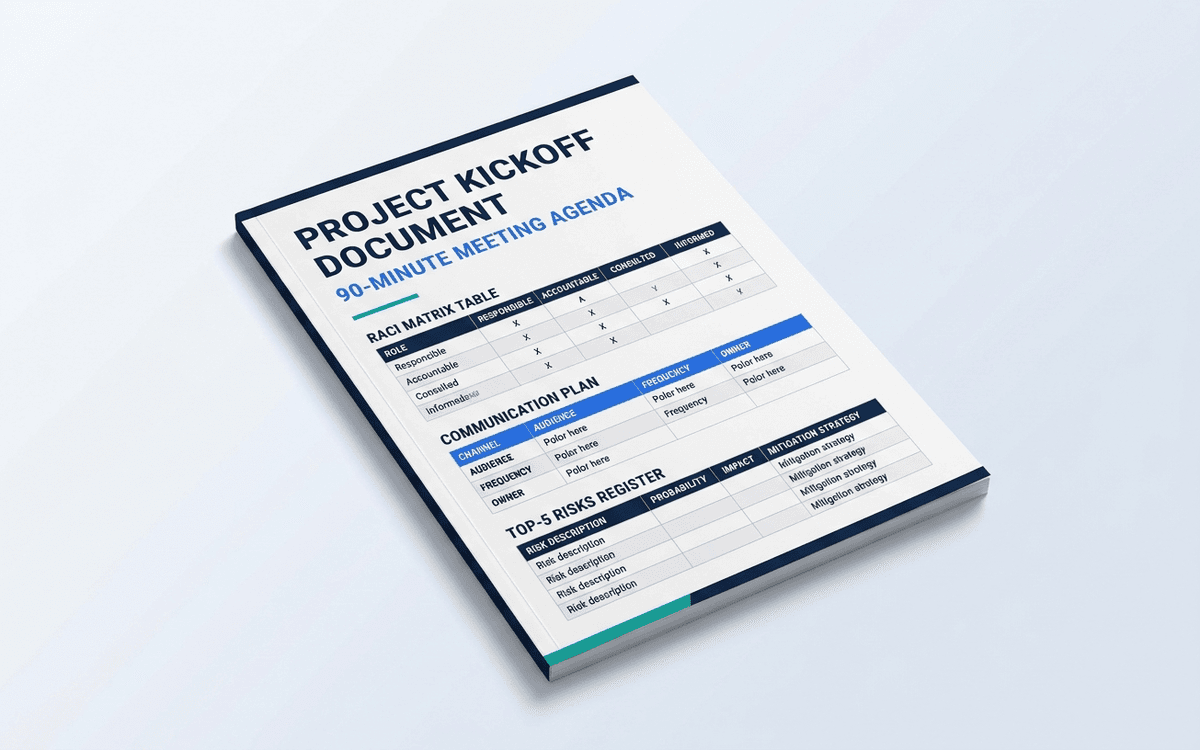
A project kickoff template that turns the first meeting into the one that prevents the most common project failures — unclear scope, missing stakeholders, ambiguous decision rights — instead of just a calendar item that gets through introductions.
Client Onboarding Checklist Template
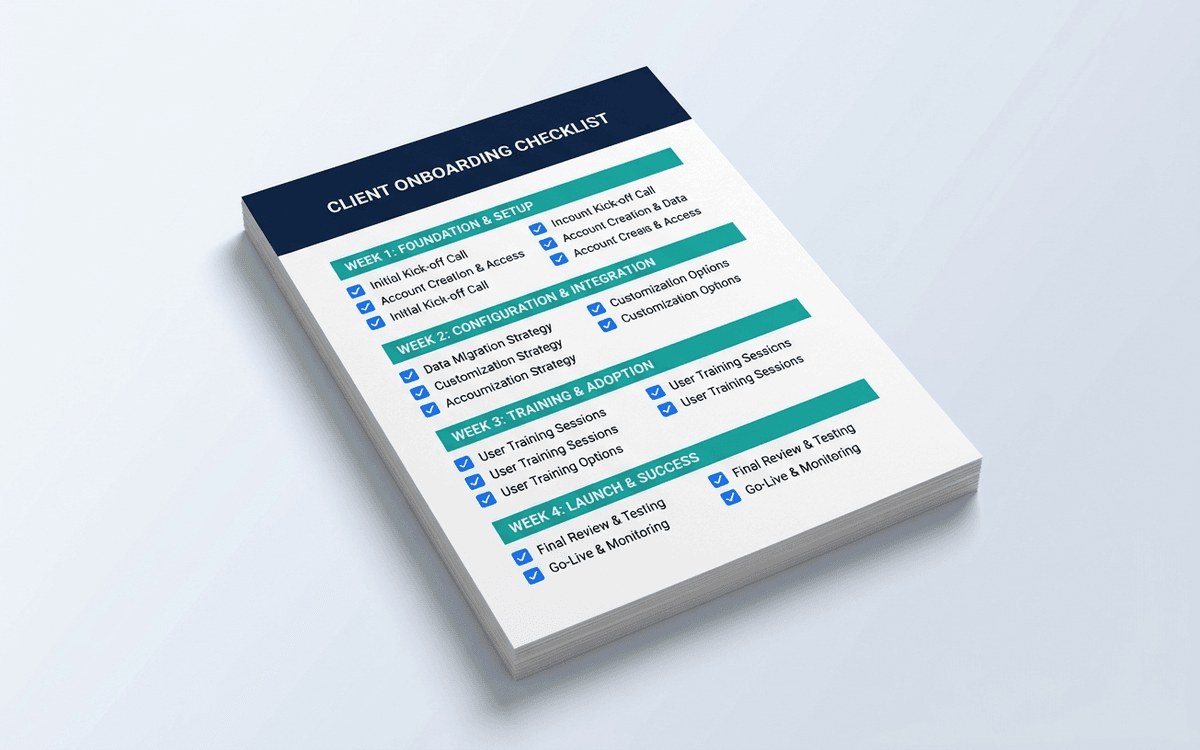
A client onboarding checklist covering the first 30 days of every engagement — contract execution, kickoff prep, system access, communication setup, and the first-deliverable review that sets quality expectations. The most-skipped, highest-leverage 30 days in any client relationship.
When the template isn't enough
AppDeck's agency / client portal turns this template into a live workspace — version control, permissions, signatures, and analytics built in.