
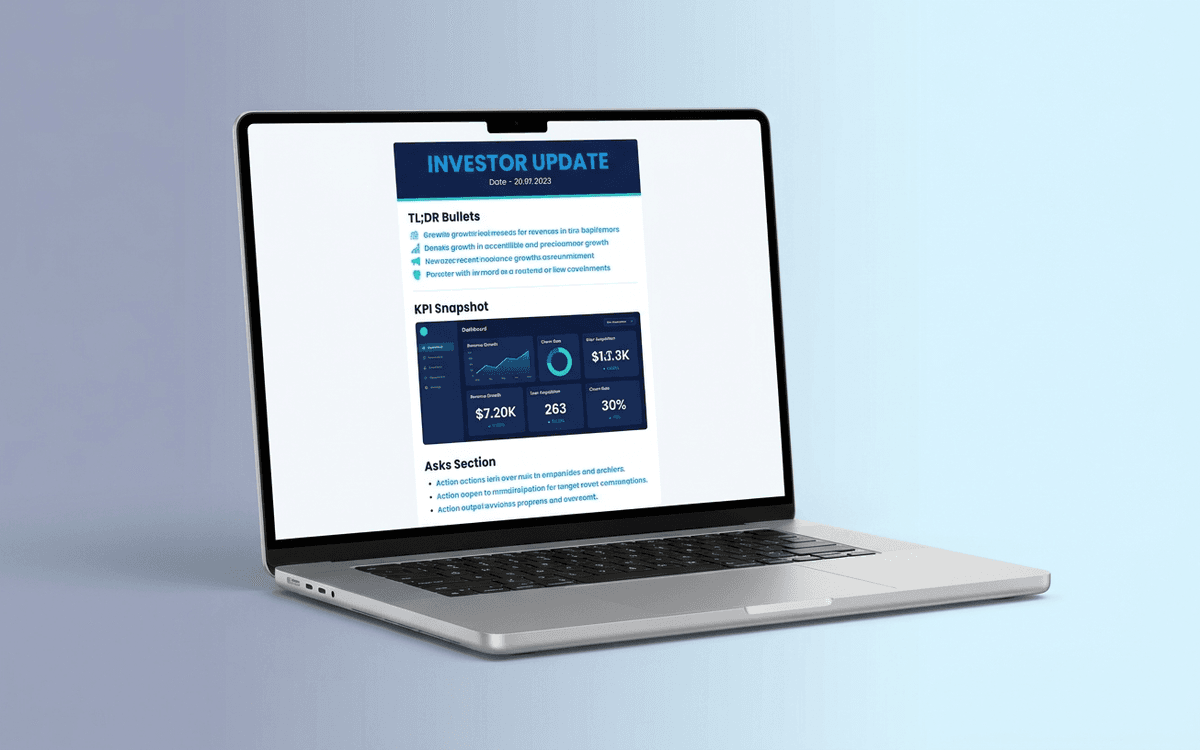
Investor Update Email Template
A monthly investor update email template you can copy-paste — KPIs, wins, lowlights, asks, runway, hire — in the order investors actually want to read. Built to be sent in under 30 minutes a month, structured to get responses instead of silent reads.
- Format:
- Word (.docx) (36 KB)
- Price:
- Free, no paywall
- Published May 2026
Download this template — free
Tell us where to send the link. We'll never share your email.
What's included
- Subject line patterns that get opened
- TL;DR / "headline" block (3 bullets, the entire month in 30 seconds)
- KPI snapshot (MRR/ARR, growth %, customers, runway, burn)
- Wins since last update (3–5 bullets)
- Lowlights / what didn't work (1–3 bullets)
- Asks of the investor base (intros, hires, advice, customer connections)
- Customer / product / hiring narrative blocks
- Cash position, burn, runway
- Optional appendix: detailed financials, deck updates
- Follow-up question prompts to bait responses
How to use this template
1. Send monthly, not quarterly
Monthly is the right cadence for seed and Series A. Quarterly is for Series B+ when the board is the primary update vehicle. Investors who get monthly updates stay warm and helpful; investors who get quarterly updates forget about you between them. Don't overthink the cadence — the discipline of sending matters more than which week of the month.
2. Lead with metrics, not narrative
The first paragraph should have the headline metric and the headline number. "MRR: $42K, +9% MoM, 3rd consecutive month of acceleration." Investors scan; the metric tells them whether to read on. Narrative-first updates get skimmed and forgotten.
3. Include the lowlights honestly
Updates that only report wins lose credibility. Include 1–3 things that didn't work this month, what you learned, what you're changing. Investors who see honest lowlights trust the highlights. Investors who only see highlights eventually stop reading.
4. Always include specific asks
Asks transform investors from spectators into participants. Be specific: "Intros to anyone running marketplace ops at 50+ headcount" beats "happy to take any intros." The single biggest signal investors send is whether they help — your asks make it easy for them to.
5. End with a hook that invites reply
A direct question at the end of the email materially increases reply rate: "What's the biggest mistake you saw founders make at our stage?" or "Anyone you'd introduce us to?" Without a specific question, investors read silently. With one, you start a conversation.
Who it's for
- Founders sending monthly updates to angels and seed investors
- CEOs sending quarterly updates to a Series A/B board
- Operators preparing the next round and warming up the investor base
- First-time founders not sure what investors actually want to see
Frequently asked questions
- How often should I send investor updates?
- Monthly for seed and Series A. Quarterly for Series B+. The exception: if something material happens (major customer signed, key hire, financing closed, real crisis), send an ad-hoc note immediately — don't wait for the next monthly. Investors notice the absence of an update on material events.
- Who should receive my investor update?
- All current investors of meaningful size, plus advisors and any prospective investors who've expressed interest in being kept warm. Some founders maintain a separate "warm list" of investors who haven't invested yet but might in the next round — those get a lighter version of the same update.
- What's the right length for an investor update?
- 500–1,500 words. Anything shorter doesn't earn the read; anything longer doesn't get read. The TL;DR block at the top is what most investors will read; the rest is for the 20% who care to go deep. Optimize for the scanner, write for the reader.
- Should I send the update from a tool or just email?
- Plain email works fine and arguably better — it lands in the inbox, can be replied to inline, and feels personal. Visible.vc, Foundersuite, and Slack channels work too but add friction. The medium matters less than the discipline of sending. Start with email; switch later if you outgrow it.
- Should I include financial detail in the update?
- Headline financials yes: revenue / MRR, growth rate, burn, runway, cash on hand. Detailed P&L: no — that's for the board pack or data room. The goal of an investor update is to give investors enough to be helpful, not to substitute for the data room they'll dig through at the next round.
More fundraising templates
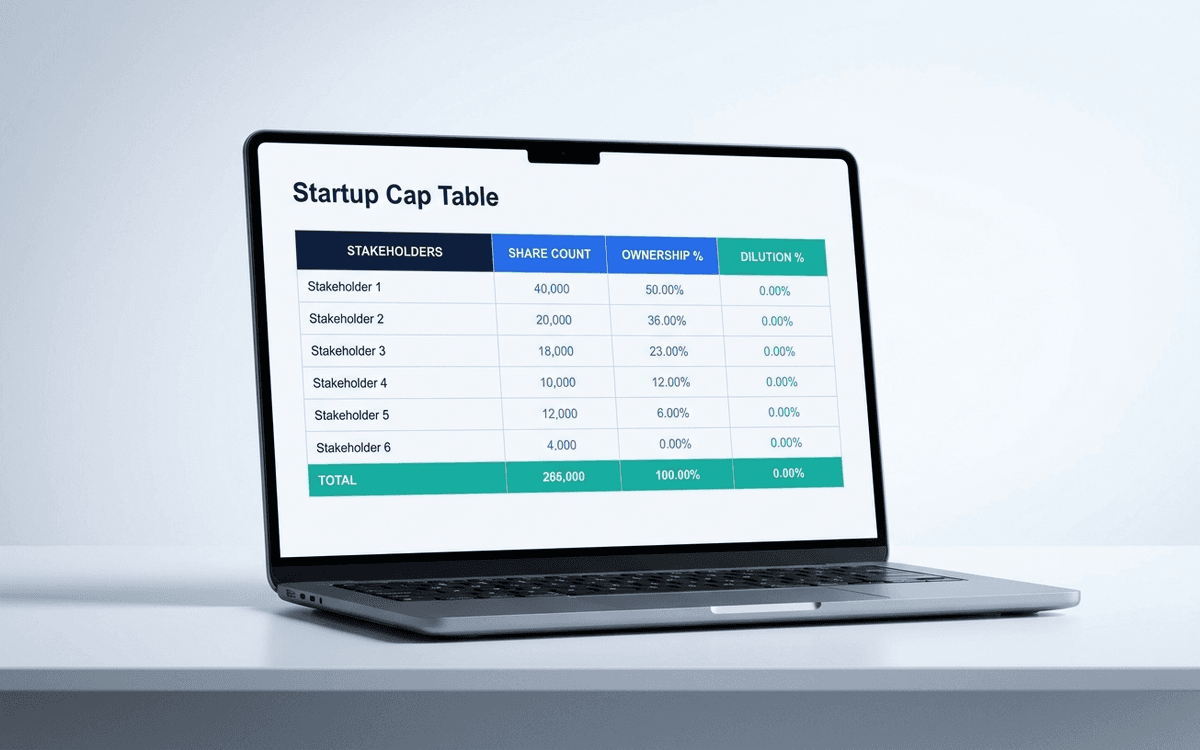
Cap Table Template
A cap table template that tracks founders, employees, SAFEs, convertible notes, and priced rounds — and calculates fully-diluted ownership automatically. Built for founders raising pre-seed through Series A.
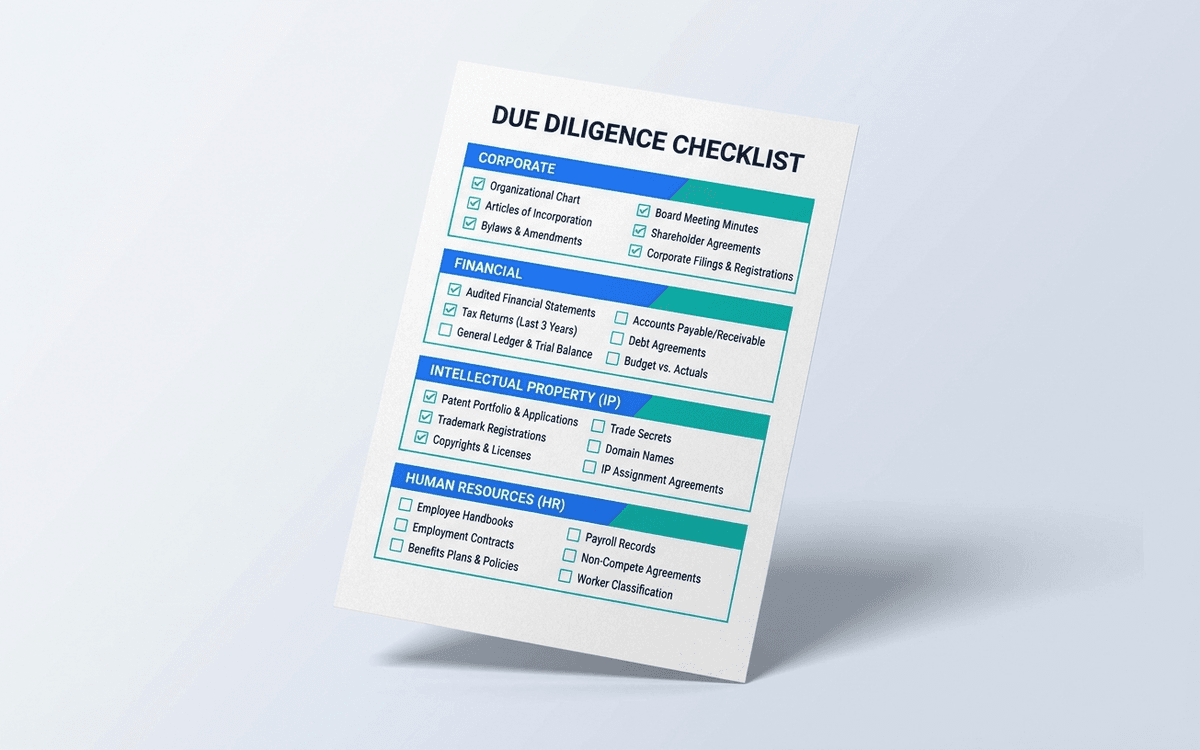
Due Diligence Checklist Template
A due diligence checklist gives founders the punch list investors and acquirers actually run — corporate, financial, IP, HR, commercial, and tech — so you can stage the data room before a term sheet lands instead of during.
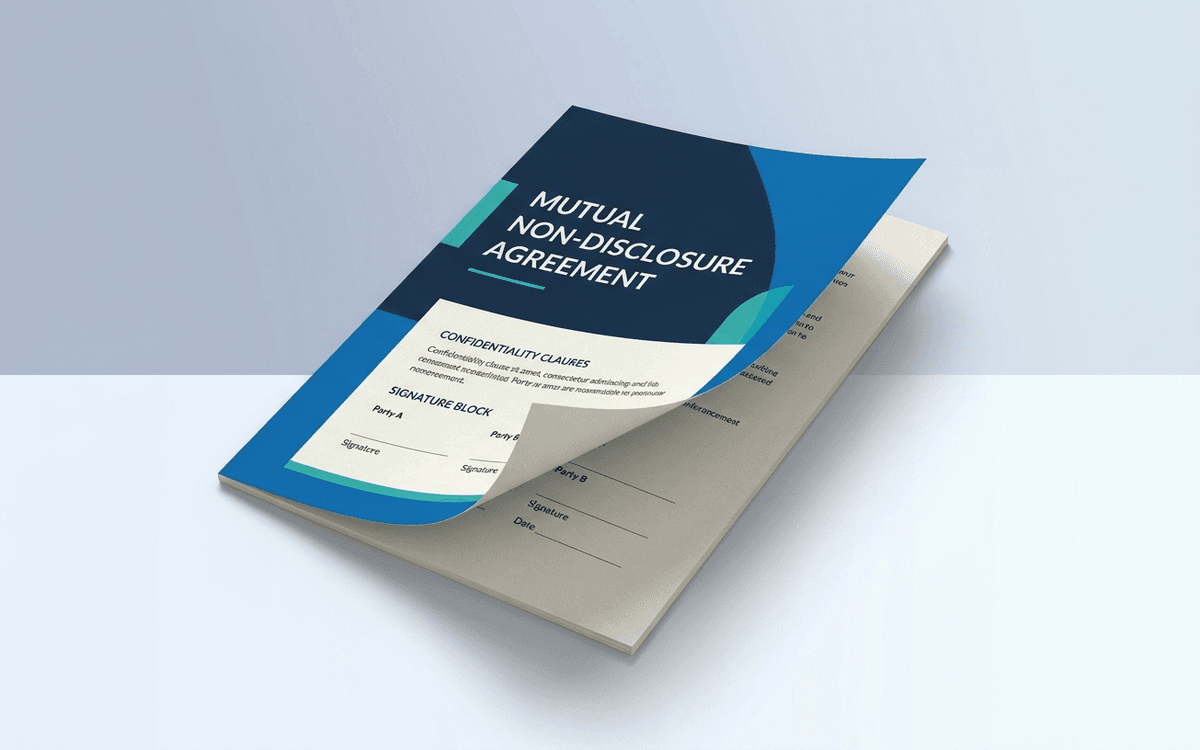
Mutual NDA Template
A mutual NDA template you can send to a prospective investor, partner, or vendor in under 60 seconds — balanced two-way confidentiality, standard term, standard exceptions, and no clever clauses that make the other side run it past their lawyer.
When the template isn't enough
AppDeck's fundraising portal turns this template into a live workspace — version control, permissions, signatures, and analytics built in.
Related Articles
Learn more about this topic from our expert guides and resources.
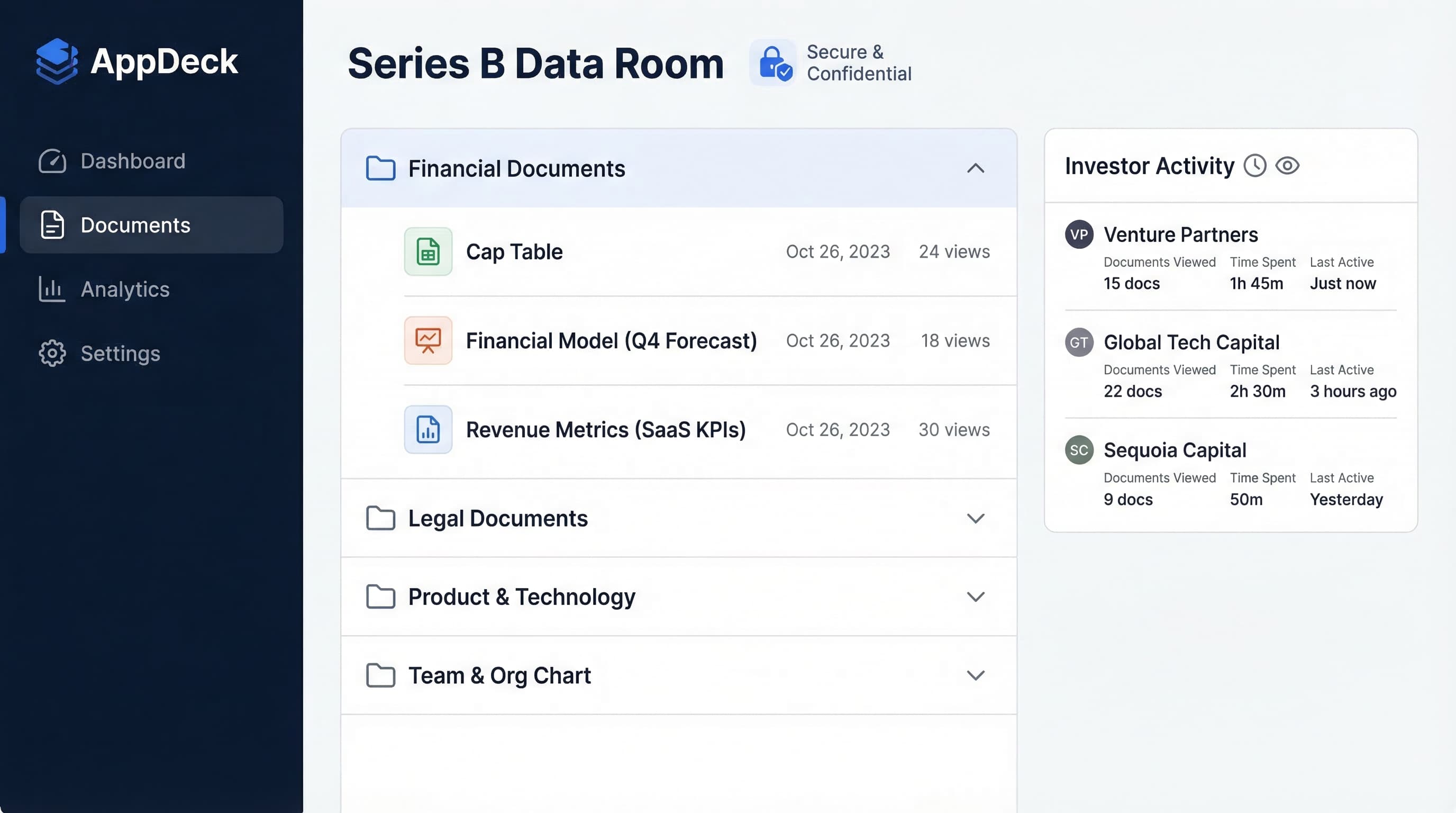
Investor Data Room Best Practices: A CFO's Complete Guide for 2026
Learn the essential best practices for creating and managing investor data rooms. Complete guide with checklist, templates, and real-world examples from successful fundraising rounds.
Read Article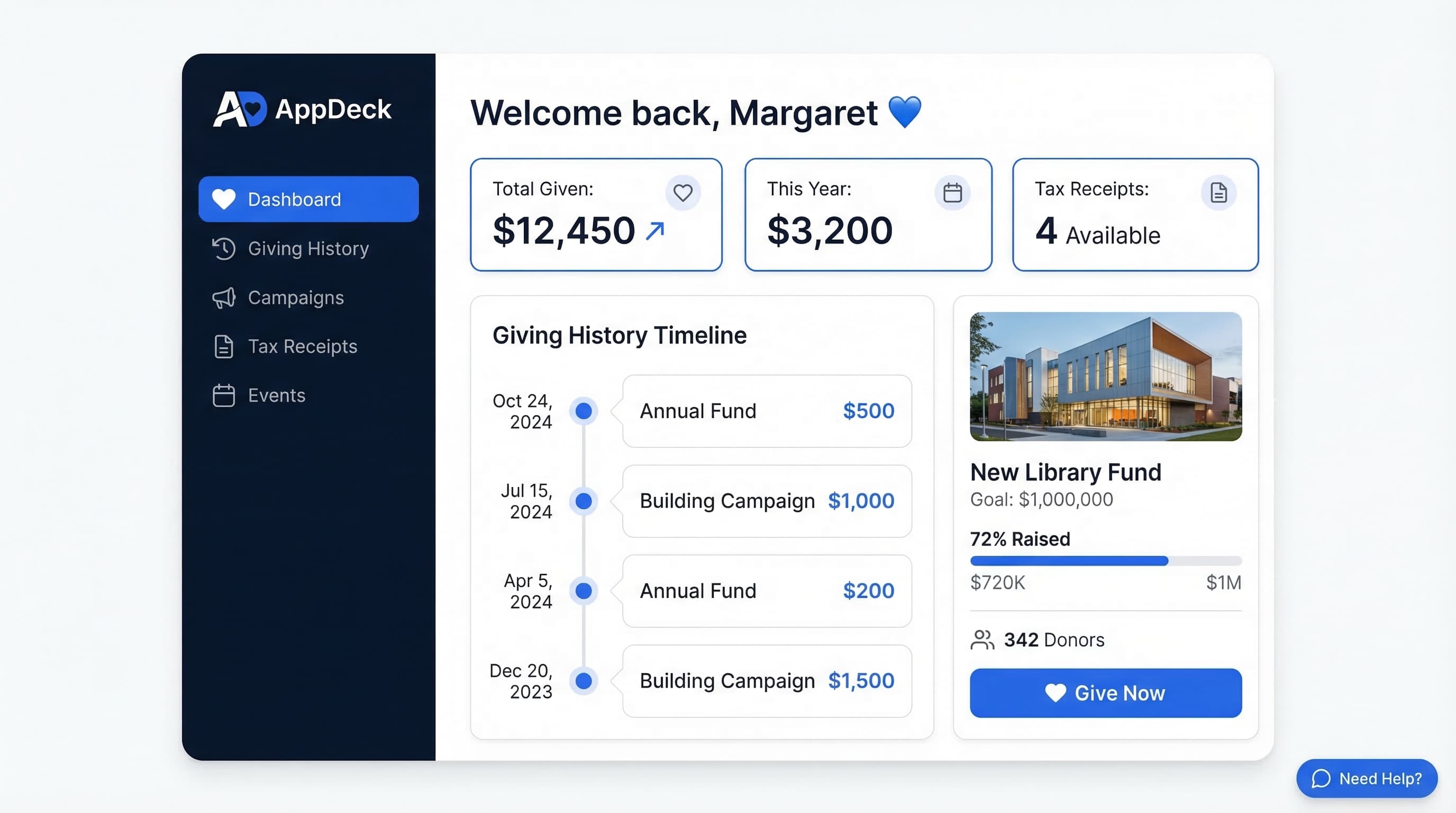
Donor Portal Software: 7 Best Platforms for Nonprofits (2026)
Compare the best donor portal software for nonprofits. Online giving, donation history, tax receipts, communication tools, and volunteer management. Honest reviews and pricing.
Read ArticleDue Diligence Checklist: Complete Guide for M&A, Fundraising & Investors
The definitive due diligence checklist for fundraising, M&A, and investor review. 100+ items organized by category with templates and data room setup tips.
Read Article