
Revenue Operations Tools: The Complete Tech Stack for Modern CROs in 2026
Build a world-class RevOps tech stack. Complete guide to CRM, sales engagement, forecasting, and analytics tools that high-performing revenue teams actually use.

TL;DR: Build a world-class RevOps tech stack. Complete guide to CRM, sales engagement, forecasting, and analytics tools that high-performing revenue teams actually use.
Introduction
As VP of Revenue Operations, I get asked the same question constantly: "What tools should I buy for my revenue team?"
The answer isn't simple. I've seen companies waste $500K/year on tools no one uses, and I've seen lean teams outperform with $20K/year stacks.
After building RevOps infrastructure at 3 companies (from Series A to post-IPO), here's my complete guide to the modern revenue operations tech stack.
What is Revenue Operations (RevOps)?
Revenue Operations aligns your entire revenue engine—marketing, sales, customer success—around one goal: predictable, scalable revenue growth.
RevOps owns:
- Systems and tools (the tech stack)
- Data and reporting (metrics and dashboards)
- Process and enablement (how teams work)
- Forecasting and planning (quota setting, territory design)
The goal: Remove friction from your revenue engine so reps sell more, faster, with better data.
The Modern RevOps Tech Stack (7 Categories)
Here's the complete stack broken down by category:
Revenue Operations Tech Stack

1. 📊 CRM (Core System of Record)
   └─ Salesforce, HubSpot, Pipedrive

2. 🎯 Sales Engagement
   └─ Outreach, SalesLoft, Apollo

3. 📞 Conversation Intelligence
   └─ Gong, Chorus, Fireflies

4. 🔮 Forecasting & Analytics
   └─ Clari, AppDeck, Looker

5. 🤝 Revenue Enablement
   └─ Highspot, Seismic, Guru

6. 📧 Email & Calendar
   └─ Gmail/Outlook + Calendly/Chili Piper

7. 💰 CPQ & Billing
   └─ Stripe, ChargeB ee, DealHub
Let's break down each category.
1. CRM (System of Record)
Purpose: Central database for all customer interactions, pipeline, and revenue data.
This is your foundation. Everything else plugs into your CRM.
Salesforce Sales Cloud
Best for: Growth-stage to enterprise companies ($10M+ ARR)
Pricing: $75-300/user/month
Pros:
- Industry standard (every tool integrates)
- Infinitely customizable
- Powerful reporting and automation
- Scales from 10 to 10,000+ reps
Cons:
- Expensive ($1,800-3,600/user/year)
- Requires admin/consultant to set up and maintain
- Steep learning curve for reps
- Easy to over-customize (becomes a mess)
When to choose Salesforce:
- You've raised Series B+ and growing fast
- You need advanced customization
- You have RevOps team to manage it
- Budget isn't the constraint
HubSpot CRM
Best for: SMB to early growth ($0-10M ARR)
Pricing: $0-1,200+/user/month (depends on tier)
Pros:
- Free tier available (generous features)
- Easy to set up (no consultant needed)
- Great UX (reps actually like using it)
- All-in-one (marketing, sales, service)
Cons:
- Gets expensive at scale
- Less customizable than Salesforce
- Reporting not as robust
- Some advanced features locked in higher tiers
When to choose HubSpot:
- Early-stage company (seed to Series A)
- Want all-in-one marketing + sales platform
- Limited budget
- No dedicated RevOps team yet
Pipedrive
Best for: Small sales teams (5-25 reps)
Pricing: $14-99/user/month
Pros:
- Very affordable
- Simple, visual pipeline management
- Easy to learn
- Good mobile app
Cons:
- Limited customization
- Basic reporting
- Fewer integrations than Salesforce/HubSpot
- Doesn't scale well past 50 users
When to choose Pipedrive:
- Small business or startup
- Simple sales process
- Tight budget
- Don't need advanced features
My recommendation:
- $0-5M ARR: HubSpot (free or Starter tier)
- $5M-20M ARR: HubSpot Professional or Salesforce
- $20M+ ARR: Salesforce
2. Sales Engagement Platform
Purpose: Automate outreach, track engagement, and scale rep productivity.
Think of this as a layer on top of your CRM that makes reps more efficient.
Outreach
Best for: Mid-market to enterprise sales teams
Pricing: ~$100-150/user/month
Key features:
- Multi-channel sequences (email, phone, LinkedIn)
- A/B testing for messaging
- Rep productivity analytics
- Salesforce sync
Pros:
- Market leader (best integrations)
- Powerful automation
- Great analytics
- Scales well
Cons:
- Expensive
- Complex setup
- Can be overkill for simple sales motions
Best fit: Outbound sales teams with 10+ SDRs
SalesLoft
Best for: Similar to Outreach (direct competitor)
Pricing: ~$100-150/user/month
Key features:
- Cadence automation
- Conversation intelligence integration
- Deal management
- Revenue insights
Pros:
- Similar power to Outreach
- Better UI (some say)
- Strong customer support
Cons:
- Also expensive
- Outreach has slightly more integrations
The choice: Outreach vs. SalesLoft is like Coke vs. Pepsi. Demo both, pick what your team prefers.
Apollo.io
Best for: Budget-conscious teams, early-stage
Pricing: $49-79/user/month (includes contact database)
Key features:
- Built-in contact database (270M+ contacts)
- Email sequences
- Dialer
- Basic CRM (or integrates with yours)
Pros:
- Much cheaper than Outreach/SalesLoft
- Contact data included (vs. buying ZoomInfo separately)
- Good for bootstrapped startups
Cons:
- Less sophisticated automation
- Contact data quality not as good as ZoomInfo
- Fewer advanced features
Best fit: Early-stage companies (<$5M ARR) doing high-volume outbound
My recommendation:
- Seed-Series A: Apollo (budget-friendly)
- Series B+: Outreach or SalesLoft (pick based on demo)
3. Conversation Intelligence
Purpose: Record, transcribe, and analyze sales calls to improve rep performance.
Why it matters: Your calls contain the secrets to what wins and loses deals. Conversation intelligence mines that data.
Gong
Best for: Companies serious about sales coaching
Pricing: Custom (typically $1,200-1,600/user/year)
Key features:
- Call recording and transcription
- Deal insights and risk detection
- Coaching analytics (talk time, questions asked, etc.)
- Competitive intelligence (mentions of competitors)
- CRM auto-updates from calls
Pros:
- Market leader (best AI)
- Incredibly valuable coaching insights
- Identifies patterns across won/lost deals
- Forecasting features
Cons:
- Expensive (one of priciest tools in stack)
- Need buy-in from reps (recording calls)
ROI: If it improves win rate by even 2-3%, it pays for itself.
Best fit: Sales teams with 15+ reps, average deal size >$25K
Chorus (now part of ZoomInfo)
Best for: Alternative to Gong
Pricing: Custom (similar to Gong)
Key features:
- Similar to Gong (recording, transcription, insights)
- Integrates with ZoomInfo contact data
- Deal intelligence
- Coaching scorecards
Pros:
- Solid Gong alternative
- Good if you already use ZoomInfo
- Strong analytics
Cons:
- Gong generally considered slightly better AI
- Integration with ZoomInfo can feel pushy
Fireflies.ai
Best for: Budget option, early-stage teams
Pricing: $0-39/user/month
Key features:
- Call recording and transcription
- Meeting notes
- CRM integration
- Basic search and highlights
Pros:
- Very affordable (free tier available)
- Good transcription quality
- Easy to set up
Cons:
- No coaching analytics
- No deal insights
- Basic compared to Gong
Best fit: Early-stage companies wanting call transcription without enterprise pricing
My recommendation:
- Seed-Series A: Fireflies (or skip until later)
- Series B+ with >$25K ACV: Gong (worth the investment)
- If using ZoomInfo: Consider Chorus
4. Forecasting & Revenue Analytics
Purpose: Predict revenue, track performance, and share insights with board.
This is where RevOps adds strategic value.
Clari
Best for: Enterprise revenue forecasting
Pricing: Custom (expensive, $50K+/year typically)
Key features:
- AI-powered forecasting
- Deal inspection and risk analysis
- Pipeline management
- Revenue cadence (operating rhythm)
Pros:
- Best-in-class forecasting
- Used by unicorns and public companies
- Deep Salesforce integration
- Improves forecast accuracy significantly
Cons:
- Very expensive
- Requires significant setup
- Overkill for companies <$20M ARR
Best fit: Late-stage companies ($50M+ ARR) where forecast accuracy is critical
AppDeck Executive Dashboard
Best for: Growth-stage CROs who need real-time board reporting
Pricing: $199-299/month
Key features:
- Real-time dashboards (CRM + finance data)
- Board-ready visualizations
- Pipeline analytics
- Share secure link with board/investors
Pros:
- Much more affordable than Clari
- 30-minute setup (vs. months)
- Great for board reporting
- Real-time data (not static PDFs)
Cons:
- Not as deep on forecasting as Clari
- Newer tool (less enterprise features)
Best fit: Series A-C companies needing board visibility without Clari price tag
Try it: AppDeck Executive Dashboard
Build Your Own (Looker, Tableau, Mode)
Best for: Companies with dedicated data teams
Pricing: $70-200/user/month + data team cost
Pros:
- Complete customization
- Cross-platform data (not just CRM)
- Beautiful dashboards
Cons:
- Requires data team to build and maintain
- Expensive (tool + headcount)
- Slow to iterate
Best fit: Large companies ($100M+ ARR) with data infrastructure
My recommendation:
- Series A-B: AppDeck (affordable, fast setup)
- Series C-D: AppDeck or Clari (based on budget)
- Post-IPO: Clari + custom BI
5. Revenue Enablement
Purpose: Equip reps with content, training, and resources to sell more effectively.
Highspot
Best for: Mid-market to enterprise enablement
Pricing: Custom (~$50-100K+/year)
Key features:
- Content management and sharing
- Sales playbooks
- Training and certification
- Content analytics (what reps actually use)
- CRM integration
Pros:
- Comprehensive enablement platform
- Great content organization
- Solid analytics on content usage
- Scales well
Cons:
- Expensive
- Requires enablement team to manage
- Complex for small teams
Best fit: Companies with 50+ reps and dedicated enablement team
Seismic
Best for: Enterprise sales enablement
Pricing: Custom (similar to Highspot)
Key features:
- Content management
- Sales content automation
- Learning and coaching
- Analytics
Pros:
- Enterprise-grade
- Strong analytics
- Good integrations
Cons:
- Also expensive
- Similar to Highspot (competitive set)
Guru
Best for: Knowledge management (lighter alternative)
Pricing: $10-30/user/month
Key features:
- Knowledge base for reps
- Chrome extension (surface info in context)
- Slack/Teams integration
- Verification workflow (keep content updated)
Pros:
- Much more affordable
- Easy to implement
- Good for distributed knowledge
- Reps actually use it
Cons:
- Not a full enablement platform
- No training/certification features
- Less robust than Highspot/Seismic
Best fit: Early to mid-stage companies wanting lightweight knowledge management
My recommendation:
- <50 reps: Guru or Notion (knowledge base)
- 50-200 reps: Highspot or Seismic (if budget allows)
- 200+ reps: Highspot or Seismic (essential at this scale)
6. Email & Scheduling
Purpose: Core communication and meeting booking
Not sexy, but essential.
Email: Google Workspace vs. Microsoft 365
Both work. Choose based on company preference.
Add-ons to consider:
- Email tracking (built into Outreach/SalesLoft, or use Yesware/Mixmax)
- Email templates
- Send later functionality
Meeting Scheduling
Calendly
- Pricing: $0-16/user/month
- Best for: Simple scheduling needs
- Pros: Easy, affordable, widely known
- Cons: Basic compared to enterprise options
Chili Piper
- Pricing: ~$15-65/user/month
- Best for: Routing leads to right rep, booking from forms
- Pros: Smart routing, Salesforce integration, better for sales teams
- Cons: More expensive than Calendly
My recommendation:
- Individual reps: Calendly
- Sales teams with routing needs: Chili Piper
7. CPQ & Billing
Purpose: Configure quotes, manage contracts, process payments
Stripe
Best for: SaaS companies with subscription billing
Pricing: 2.9% + 30¢ per transaction
Pros:
- Developer-friendly
- Excellent docs
- Handles recurring billing well
- Usage-based billing support
Best fit: PLG and self-serve SaaS
ChargeB ee / Recurly
Best for: Complex subscription billing
Pricing: ~$599/month + transaction fees
Pros:
- More robust than Stripe for complex billing
- Better dunning (failed payment recovery)
- Multi-currency support
Best fit: Enterprise SaaS with complex billing needs
DealHub / PandaDoc
Best for: CPQ (configure-price-quote)
Pricing: ~$50-100/user/month
Key features:
- Quote generation
- e-signatures
- Approval workflows
- CRM integration
Best fit: Companies with complex pricing, custom quotes, approval processes
The Lean RevOps Stack (Seed to Series A)
If you're early-stage and budget-conscious:
Lean Stack ($500-1,500/month total)

CRM:                  HubSpot (free or Starter)
Sales Engagement:     Apollo.io ($49/user/mo)
Call Recording:       Fireflies (free or $39/user/mo)
Analytics:            AppDeck ($199/mo)
Knowledge Base:       Notion (free or $10/user/mo)
Scheduling:           Calendly (free or $10/user/mo)
Billing:              Stripe (pay-as-you-go)

Total: ~$500-1,500/month for 5-10 person team
This stack will get you to $5-10M ARR.
The Growth Stack (Series B-C)
If you're scaling and need more power:
Growth Stack ($10K-30K/month)

CRM:                  Salesforce ($150/user/mo)
Sales Engagement:     Outreach ($125/user/mo)
Conversation Intel:   Gong (~$1,200/user/year)
Analytics:            AppDeck ($299/mo)
Enablement:           Guru ($20/user/mo) or Highspot
Scheduling:           Chili Piper ($30/user/mo)
CPQ:                  DealHub ($75/user/mo)
Billing:              Stripe or ChargeBee

Total: ~$10K-30K/month for 30-50 person team
The Enterprise Stack (Series D+)
If you're post-growth and optimizing at scale:
Enterprise Stack ($50K-200K+/month)

CRM:                  Salesforce (Enterprise+)
Sales Engagement:     Outreach or SalesLoft
Conversation Intel:   Gong
Forecasting:          Clari ($50K+/year)
Analytics:            Clari + Looker/Tableau
Enablement:           Highspot or Seismic
CPQ:                  Salesforce CPQ or DealHub
Billing:              ChargeBee or custom
Data Warehouse:       Snowflake
Reverse ETL:          Hightouch or Census

Total: $50K-200K+/month (100+ person rev team)
How to Build Your RevOps Stack
Step 1: Start with CRM Foundation
Everything else plugs into your CRM. Get this right first.
Decision framework:
- <$5M ARR → HubSpot
- $5M-20M ARR → HubSpot or Salesforce
-
$20M ARR → Salesforce
Step 2: Add Tools as Pain Points Emerge
Don't buy tools you don't need yet.
Timeline example:
- Year 1 (seed): CRM only
- Year 2 (Series A, 5-10 reps): Add sales engagement + analytics
- Year 3 (Series B, 20+ reps): Add conversation intelligence + enablement
- Year 4 (Series C, 50+ reps): Add forecasting platform
Step 3: Optimize for Adoption, Not Features
The best tool is the one reps actually use.
Bad: Buy Outreach because it has 100 features Good: Buy Outreach because reps will use it daily
Measure adoption:
- % of reps logging in daily
- % of activities logged in CRM
- Rep feedback ("does this help or hurt?")
Step 4: Integrate Everything
Disconnected tools = data silos = wasted money
Must-have integrations:
- Sales engagement ↔ CRM
- Conversation intelligence → CRM
- Analytics platform → CRM + billing
- Scheduling → CRM
Test integrations before buying. Many tools claim to integrate but do it poorly.
Common RevOps Stack Mistakes
Mistake #1: Buying Tools Too Early
Problem: Seed stage company buys Outreach, Gong, Highspot, Clari
Result: $100K/year in tools for 3 reps who don't use them
Solution: Start lean. Add tools when pain is obvious.
Mistake #2: Too Many Point Solutions
Problem: 15 different tools, none integrated
Result: Data chaos, reps waste time tool-switching
Solution: Favor platforms over point solutions. Consolidate when possible.
Mistake #3: Ignoring Change Management
Problem: Buy tool, tell reps to use it, no training
Result: 10% adoption, wasted money
Solution:
- Train reps on why and how to use tool
- Get exec buy-in and enforcement
- Measure and reward usage
Mistake #4: Set It and Forget It
Problem: Buy tool, never optimize or review
Result: Pay for features you don't use, miss opportunities
Solution:
- Quarterly stack audit (are we using everything we pay for?)
- Annual renewal review (should we keep, switch, or cancel?)
Frequently Asked Questions
What is the minimum viable RevOps tech stack for an early-stage startup?
A pre-Series A company needs three things: a CRM (HubSpot Starter or Salesforce Essentials), a meeting scheduler (Calendly or HubSpot Meetings), and a basic analytics layer to track pipeline and forecast. Everything else — conversation intelligence, dedicated forecasting tools, CPQ — can wait until you have at least 5 reps and $1-3M in ARR. Founders consistently over-tool too early. The lean stack runs $300-1,000/month total and covers 80% of what a 3-5 person sales team needs to operate.
Is HubSpot or Salesforce the better RevOps foundation?
HubSpot wins for companies under $10M ARR, simple sales motions, and teams that want strong out-of-the-box marketing and service integration. Salesforce wins for complex enterprise sales, multi-product portfolios, heavy customization needs, and any company planning to scale past $50M ARR. The honest test: if your sales process needs more than two custom objects, more than five user roles, or integration with a dozen third-party systems, you'll outgrow HubSpot within 18-24 months. Migration is painful, so make this call once and commit.
How much should a RevOps stack cost as a percentage of revenue?
Most healthy SaaS companies spend 1-3% of ARR on revenue tooling, with 2% being the median. A $10M ARR company spending more than $300K/year on RevOps tools is probably over-tooled. Under $100K and you're likely under-instrumented. The biggest line items are typically CRM (40-50% of stack cost), sales engagement (15-20%), and conversation intelligence (10-15%). Watch for tool sprawl — companies past Series B routinely pay for 3-4 overlapping tools because no one cancels anything.
Which RevOps tools matter most for a CRO vs. a RevOps manager?
CROs care about pipeline analytics, forecasting accuracy, and rep productivity dashboards — the tools that surface decisions. RevOps managers care about the underlying data layer: CRM hygiene, integrations, attribution, territory management, and process automation. A CRO can run a quarter with a clean pipeline view and reliable forecast. A RevOps manager needs Gong or Clari, an ETL layer (Fivetran), and a BI tool (Looker or Tableau) to do their job. Buying for one persona at the expense of the other is the most common stack mistake.
When should you replace your existing RevOps tool instead of adding another one?
Replace when adoption is below 40% after a year of good faith effort, when integration debt is creating more work than the tool saves, or when your business model has shifted enough that the tool's core assumptions no longer apply (e.g., moving from inbound to outbound, or from SMB to enterprise). Don't replace just because something new looks shinier — switching costs run 3-6 months of productivity loss and $50K-200K in implementation. Add a new tool only when it solves a specific, measurable bottleneck that no existing tool can address.
Conclusion
The right RevOps stack accelerates revenue growth. The wrong one wastes money and frustrates reps.
Key principles:
- Start lean, add as you scale
- Prioritize adoption over features
- Integrate everything
- Review and optimize quarterly
Next steps:
- Audit your current stack (what are you paying for? what's actually used?)
- Identify your biggest pain point (forecasting? rep productivity? board reporting?)
- Add one tool to solve that pain (don't buy 5 tools at once)
- Measure adoption and impact
- Repeat
Recommended starting point for most companies:
- CRM: HubSpot or Salesforce (based on stage)
- Analytics: AppDeck Executive Dashboard ($199/mo)
- Add other tools as specific needs emerge
Your tech stack should enable growth, not create overhead. Choose wisely.
Related reading:
- The Complete Guide to Executive Dashboards
- KPI Dashboard Examples — 20 real-world dashboard layouts for every business function
- Sales Dashboard Examples for CROs — Key metrics every revenue leader should track
- CFO Executive Dashboard Metrics — Essential metrics for finance leadership

Founder & CEO, AppDeck
Serial entrepreneur with 20+ years building B2B software companies. Former executive managing 2,800+ employees across three continents. Vik reviews all AppDeck content for accuracy and practical relevance.
Share this article
Explore Related Solutions
Related Articles
10 Sales Metrics Every CRO Should Track in 2026 (With Dashboard Examples)
The 10 sales metrics every CRO should track — pipeline coverage, win rate, sales cycle, forecast accuracy — with dashboard examples and a free Excel template.
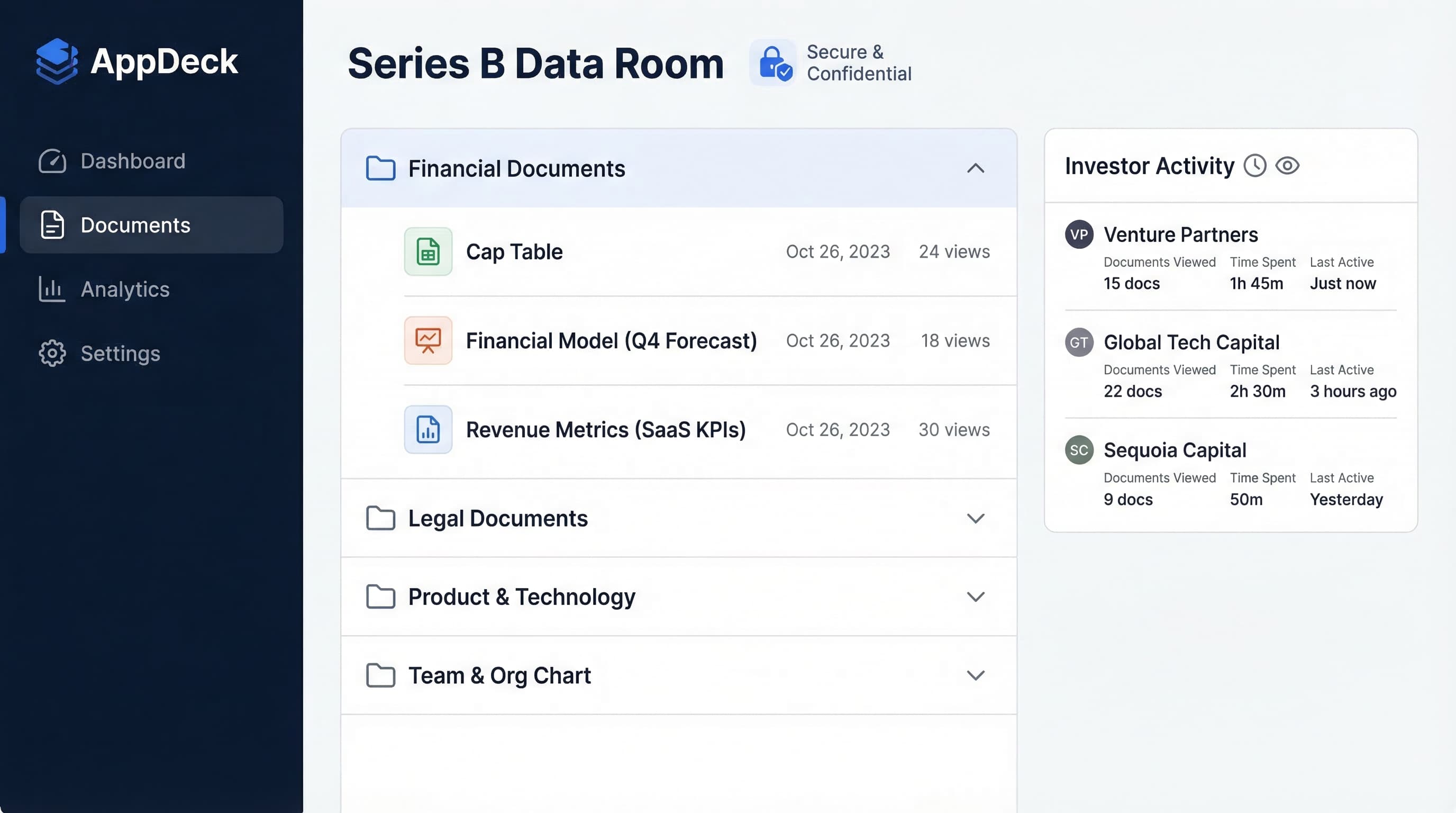
10 AI Fundraising Tools That Actually Help Startups Raise Capital
The best AI tools for startup fundraising in 2026. Investor matching, pitch deck builders, CRM automation, due diligence prep, and outreach tools.
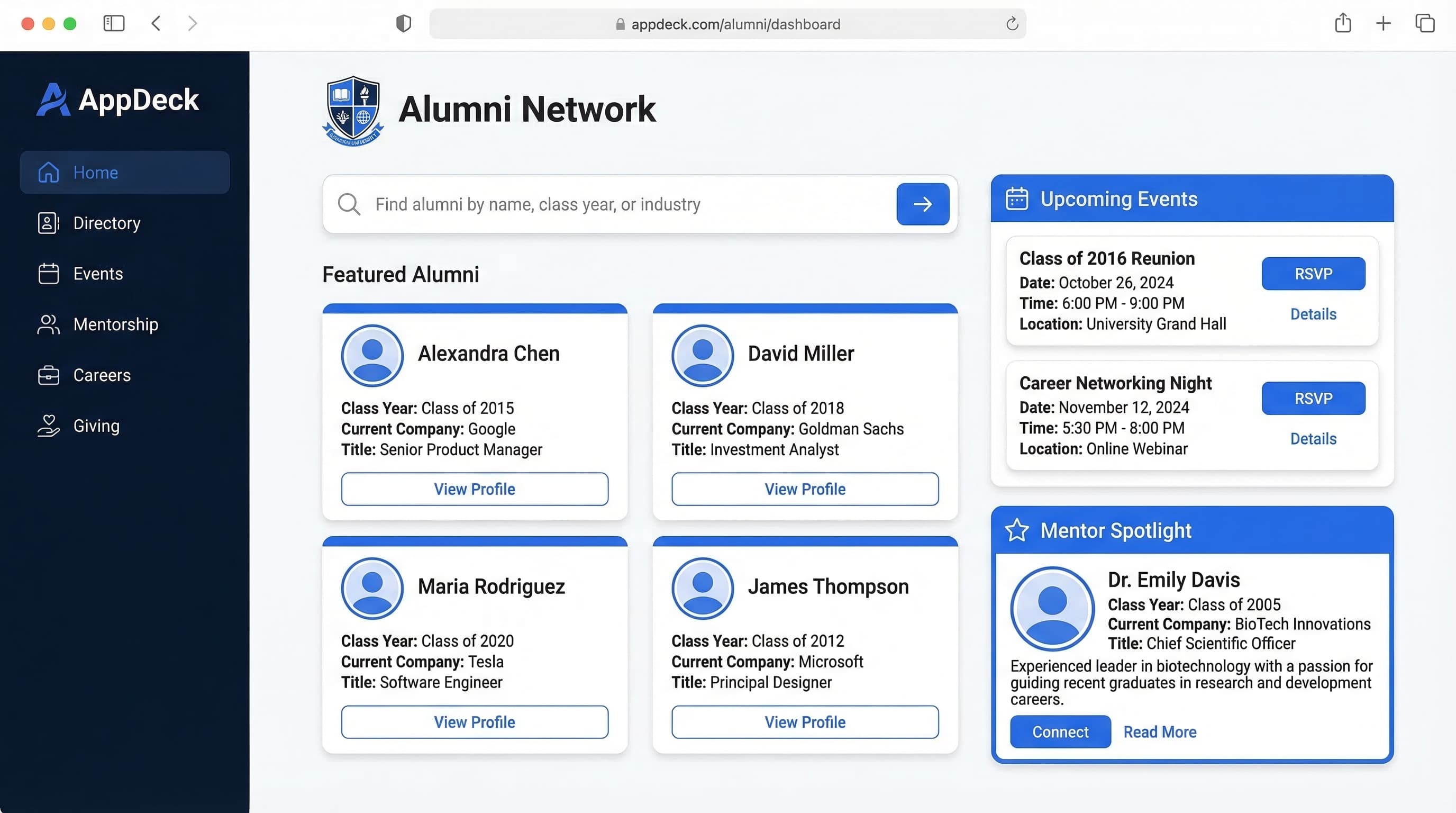
Alumni Engagement Strategies: 15 Proven Tactics for Universities & Schools
Boost alumni engagement with proven strategies for universities, colleges, and schools. Covers alumni portals, events, mentorship programs, giving campaigns, and digital communication.